


You're scrolling through Instagram trying to post your content, but the caption box is laughing at you. That cursor blinks like it's mocking your brain freeze. What do you even say? PSA: Stop wasting hours stressing over Instagram captions when AI can do the heavy lifting for you. If you're like most content creators, you know the pain of writer's block hitting right when you need to post. But here's where Instagram caption generators step in to save your sanity. These AI tools write captions in seconds, add relevant hashtags, and help your posts actually get seen. Want more engagement without the headache? Keep reading to find the best Instagram caption generator that fits your style and gets results fast.
What are Instagram Captions?
Instagram captions are the text that shows up below your photos or videos on your feed, reels, or stories. You can write up to 2,200 characters per caption, which is a lot of space to work with. Captions give context to your visuals, tell stories, crack jokes, or prompt your audience to take action like commenting or clicking your bio link. Think of captions as the voice behind your content.
A solid caption can turn a random photo into a conversation starter or make your followers actually stop scrolling. You can include hashtags, tag accounts, add emojis, or drop a call-to-action to drive engagement. Whether you're posting a selfie, product shot, or behind-the-scenes content, your caption is what connects your image to your audience and gives them a reason to engage. Instagram captions will make up a big part of your social media content calendar.
Why Instagram Captions Matter?
Instagram captions aren't just filler text. They're what make people care about your post beyond just double-tapping and moving on.
IG Captions Drive Engagement
Your caption is where conversations happen. If you write something boring or generic, people scroll past. But if you ask a question, share a story, or drop something relatable, followers will comment and share. More comments and shares mean Instagram's algorithm pushes your content to more people. Captions turn passive viewers into active participants. A strong caption with a clear call-to-action like "tag a friend" or "drop your thoughts below" can double your engagement rate without spending a dime on ads.
They Build Your Brand Voice
Your captions show your personality and set the tone for your brand. Are you funny, professional, inspirational, or casual? People follow accounts that feel human, not robotic. Consistent caption style helps followers recognize your content instantly, even before they see your username. Over time, your captions become part of your brand identity. Whether you're a business or a personal account, the way you write captions shapes how people perceive you and whether they trust you enough to buy or follow long-term.
YouImprove Discoverability
Instagram's search and explore features scan captions for keywords and hashtags. If you write captions with relevant terms and trending hashtags, your posts show up in more searches and reach people who don't follow you yet. Captions also give Instagram's algorithm context about what your post is about, which helps it show your content to the right audience. Without a caption or with a weak one, you're basically hiding your post from people who might actually care about it.
Why You Should Use Instagram Caption Generators?
Instagram caption generators save time and take the guesswork out of writing captions that actually work. Here's why they're worth trying:
- You'll Save Hours Every Week. Writing captions from scratch takes forever, especially if you're posting daily. An Instagram caption generator spits out ideas in seconds, so you can focus on shooting content or running your business instead of staring at a blank screen.
- You'll Beat Writer's Block Fast. Even the best writers get stuck sometimes. Caption generators give you instant inspiration when your brain isn't cooperating. You can tweak the AI suggestions to match your style, which is way faster than starting from zero.
- You'll Keep Your Posting Schedule Consistent. When you can generate captions quickly, you're more likely to post on time. Consistency matters on Instagram, and caption generators help you batch-create content in one sitting so you never miss a post.
- You'll Get Better Engagement Without Overthinking It. Most caption generators include hashtags and emojis automatically, which are proven to boost engagement. You don't have to research trending hashtags or figure out where to drop emojis—it's all handled for you.
- You'll Test Different Styles and Tones Easily. Instagram caption generators let you pick tones like funny, professional, casual, or inspirational. You can test what resonates with your audience without spending time rewriting captions from scratch each time.
- You'll Stay On-Brand Across All Posts. Generators let you set your brand voice and style preferences, so every caption sounds like you. This keeps your content cohesive and helps build trust with your audience.
- You'll Access Multiple Caption Options in One Go. Most tools generate several caption variations at once. You can pick the one that fits best or mix and match elements from different suggestions to create something unique.
How to Choose the Best Instagram Caption Generators?
Picking the right Instagram caption generator depends on what you need and how you work. Here's what to look for:
- Check If It Lets You Customize Tone and Style. You want a tool that matches your brand voice, not something that spits out generic robot text. Look for generators that let you pick tones like funny, casual, professional, or witty so the output actually sounds like you.
- See If It Includes Hashtags and Emojis. The best caption generators automatically add relevant hashtags and emojis to your captions. This saves you from manually researching trending tags or guessing where to place emojis for maximum impact.
- Make Sure It Generates Multiple Caption Options. You don't want to get stuck with one suggestion and call it a day. Choose tools that give you at least 3 to 5 caption variations so you can pick the best one or combine ideas.
- Look for Tools That Work Without Sign-Ups or Logins. Free, no-login generators are faster and more convenient. If you need to create a caption right now, you don't want to waste time signing up or verifying emails.
- Check If It Supports Image Upload or Context Input. Some generators analyze your image or let you describe your post, which helps them create more relevant captions. This feature makes the output feel less generic and more tailored to your content.
- Test If It Offers Caption Length Control. Instagram lets you write up to 2,200 characters, but sometimes you only need a short punchy line. The best generators let you choose between short, medium, and long captions based on your needs.
- See If It Integrates With Your Workflow. If you use scheduling tools or social media management platforms, find out if the caption generator works with those apps. Seamless integration saves time and keeps your content creation smooth.
Dos and Don'ts of Prompting AI for Generating the Best Instagram Captions
Here are the do’s and dont’s of using these Instagram caption generators:
Do Be Specific About Your Post
Give the AI clear details about what your post is about. Instead of typing "photo," say "selfie at the beach during sunset" or "product shot of eco-friendly water bottles." The more context you provide, the better the caption will be.
Don't Use Vague Descriptions
Avoid prompts like "something cool" or "make it interesting." AI needs concrete info to work with. Vague prompts lead to generic captions that could apply to anyone's post, which defeats the purpose.
Do Tell the AI Your Desired Tone
Specify the tone you want—funny, professional, casual, inspirational, or witty. This helps the AI match your brand voice instead of generating something that feels off.
Don't Skip Adding Keywords
Include keywords related to your niche or industry. If you're posting about fitness, mention words like "workout," "gains," or "fitness journey." Keywords help the AI create captions that resonate with your target audience.
Do Request Hashtags and Emojis If Needed
Most generators let you toggle hashtags and emojis on or off. If you want them included, make sure to enable that option. If you prefer to add them yourself later, turn it off.
Don't Forget to Set Caption Length
Tell the AI if you want a short caption (under 125 characters) or a longer storytelling caption (up to 2,200 characters). This prevents you from getting a novel when you wanted a quick one-liner.
Do Experiment With Multiple Prompts
Try different prompt variations to see what works best. If the first output isn't great, tweak your input and regenerate. Testing different angles gives you more options to choose from.
Don't Accept the First Output Without Editing
AI-generated captions are starting points, not final drafts. Always review and tweak the caption to add your personal touch and make sure it aligns with your message.
Types of Instagram Captions You Can Generate
Here’s a sneak peek into what you can generate with different Instagram caption generators:
Short and Punchy Captions
These captions are under 125 characters and get straight to the point. Perfect for quick engagement, they work great with memes, product shots, or selfies where the image speaks for itself.
Storytelling Captions
Longer captions that share a story or personal experience. These work well for behind-the-scenes content, travel posts, or brand storytelling where you want followers to connect on a deeper level.
Question-Based Captions
Captions that end with a question to prompt comments. These are engagement goldmines because they encourage followers to reply, which boosts your post's visibility in the algorithm.
Promotional Captions
Product listing captions designed to sell or promote a product, service, or event. They include clear calls-to-action like "shop now," "link in bio," or "limited time offer" to drive conversions.
Inspirational and Motivational Captions
Captions that uplift and inspire your audience. These work well for wellness accounts, coaches, or anyone building a community around positivity and personal growth.
Humorous Captions
Funny captions that make people laugh. These are great for lighthearted content, relatable moments, or brands with a playful personality. Humor increases shares and saves.
Call-to-Action Captions
Captions focused on getting your audience to do something specific—tag a friend, visit your website, or drop a comment. These are results-driven and perfect for growing your reach.
Examples of Good Prompts to Generate Instagram Captions and Results
Here are some examples of good prompts to generate Instagram captions:
Travel Caption Prompt
Prompt: "Write a casual Instagram caption for a sunset photo at Santorini, Greece. Include travel vibes and a question at the end. Add emojis and hashtags."
Result: "Chasing sunsets in Santorini and honestly, this view never gets old 🌅✨ There's something about golden hour in Greece that just hits different. Where's your favorite sunset spot? Drop it below! #SantoriniSunset #TravelGoals #GoldenHour"
Prompt for a Product Launch
Prompt: "Write a promotional Instagram caption for a new skincare serum. Highlight benefits like hydration and anti-aging. Include a call-to-action. Professional tone."
Result: "Say hello to glowing, youthful skin with our new Hydrating Serum 💧 Packed with hyaluronic acid and vitamin C, this formula locks in moisture and fights fine lines. Your skin deserves this. Shop now—link in bio! #SkincareRoutine #GlowingSkin #AntiAging"
Fitness Post
Prompt: "Write a motivational Instagram caption for a post-workout selfie. Inspiring tone. Include hashtags and emojis."
Result: "Another day, another rep 💪 Progress doesn't happen overnight, but showing up every day gets you closer to your goals. What did you crush today? Let's hype each other up! 🔥 #FitnessJourney #WorkoutMotivation #GymLife"
Food Caption
Prompt: "Write a fun Instagram caption for homemade pasta. Casual tone. Include emojis and a cooking tip."
Result: "Homemade pasta from scratch and it tastes like heaven 🍝✨ Pro tip: let your dough rest for at least 30 minutes before rolling it out. Patience is the secret ingredient here. What's your go-to comfort food? #PastaLover #HomeCooking #Foodie"
Behind-the-Scenes Caption
Prompt: "Write a storytelling Instagram caption for a behind-the-scenes look at a photoshoot. Casual and authentic tone. Add hashtags."
Result: "Behind the scenes of today's shoot and honestly, we're running on coffee and good vibes ☕📸 There's always chaos before the magic happens, but that's what makes it fun. Swipe to see the final result! #BehindTheScenes #ContentCreation #PhotoshootDay"
10 Best Instagram Caption Generators in 2026
Here is a list of the 10 best Instagram caption generators in 2026. We also reveal why we highly recommend them:
1. Smartli
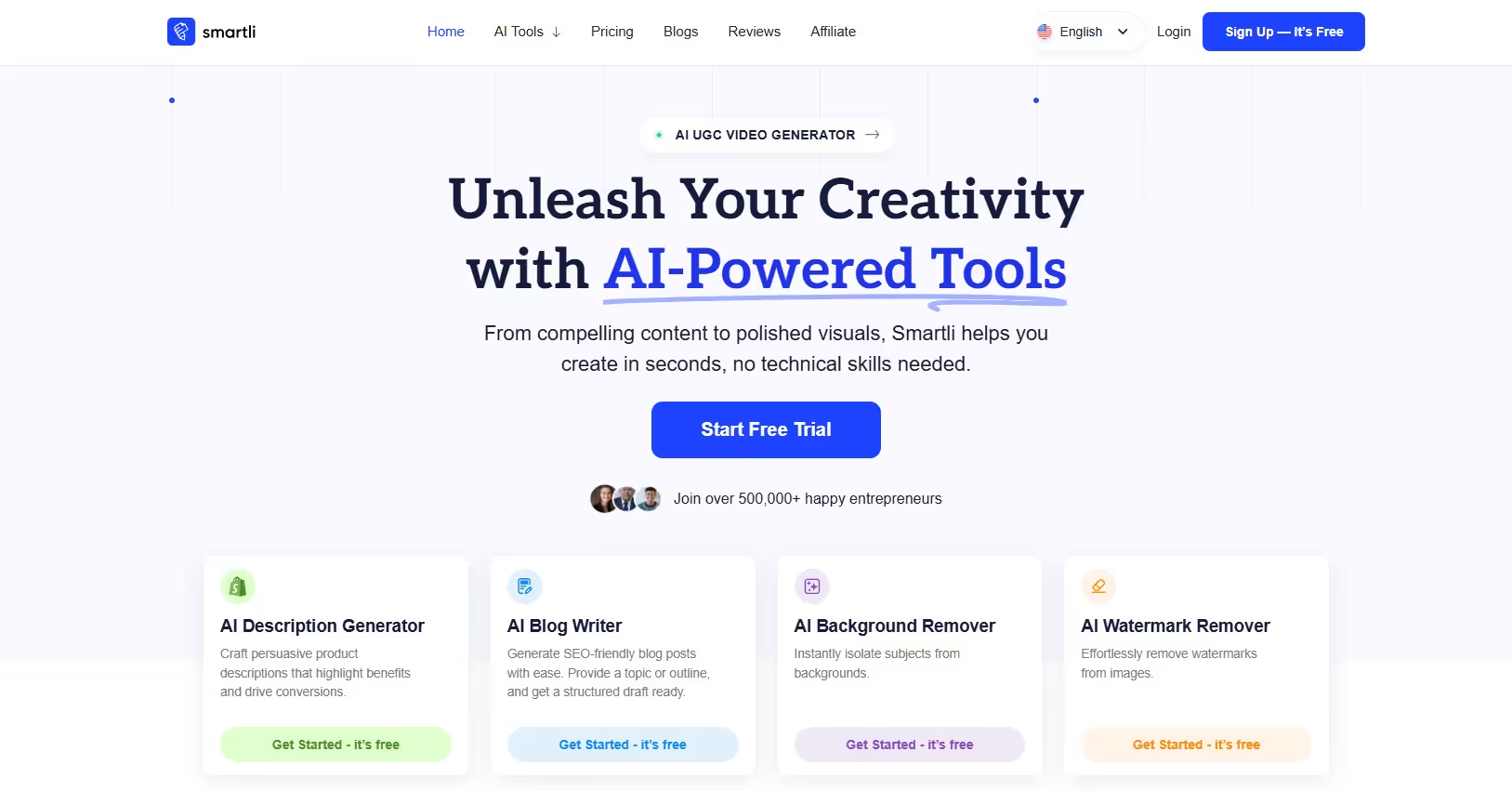
Smartli isn't just another caption generator—it's a full content creation suite built for e-commerce brands and marketers who need speed without sacrificing quality. While most people know Smartli for its product description and dropshipping tools, the platform's AI Blog Writer and Ads Writer are secret weapons for crafting Instagram captions that convert. You can set your writing voice, choose your tone, and let the AI generate short-form and long-form content that works for captions, ad copy, or even carousel posts. The tool handles SEO writing, so your captions aren't just engaging—they're also built to get discovered. If you're running a business or managing multiple accounts, Smartli's ability to batch-create content across different formats saves serious time.
Key Features
- Customizable Writing Voice and Tone. You can train Smartli to match your brand's personality, whether you're casual, professional, or somewhere in between. This means every caption sounds consistent across all your posts, which builds trust with your audience. The AI learns your preferences over time, so the more you use it, the better it gets at capturing your style.
- AI Blog Writer for Long-Form Captions. If you're creating storytelling captions or in-depth posts, Smartli's Blog Generator generates structured, engaging content in seconds. It handles outlines, drafts, and SEO suggestions, so you can focus on tweaking instead of starting from scratch. This feature is perfect for carousel posts or educational content that needs more than a one-liner.
- AI Ads Writer for High-Converting Copy. Smartli's Ads Writer creates persuasive captions designed to drive clicks and conversions. It's built for platforms like Facebook, Instagram, and TikTok, so the copy is optimized for social media. You can use this tool to write promotional captions that actually get people to take action, not just scroll past.
- SEO Optimization Built-In. Smartli ensures all content is optimized for search engines and social algorithms. Your captions will include relevant keywords and phrases that help your posts show up in search results and explore feeds. This is a huge advantage if you're trying to grow organically without paying for ads.
- Multiple Content Formats in One Platform. Beyond captions, Smartli offers tools for product descriptions, blog posts, ad copy, and even logo design. If you're managing an e-commerce store or content-heavy brand, you can handle everything in one place instead of juggling multiple apps. This saves time and keeps your workflow smooth.
- Fast Output with High-Quality Results. Smartli generates content in seconds, not minutes. If you're on a tight deadline or need to batch-create a week's worth of captions, the speed is a lifesaver. The quality stays high even with bulk generation, so you're not sacrificing good copy for convenience.
- Affordable Pricing for Startups and Small Businesses. Smartli's pricing is designed for businesses that can't afford expensive tools. The Pro plan includes everything you need to get started, and the Empire plan unlocks advanced AI features. Both plans are under $100, which is way cheaper than hiring a copywriter for the same volume of content.
2. Social Cat

Social Cat is a free, no-frills Instagram caption generator that gets the job done fast. You don't need to sign up or create an account—just open the tool, describe your post, pick a vibe, and hit generate. It's perfect for creators who want quick results without dealing with complicated features or paywalls. Social Cat analyzes your input and generates multiple caption options with hashtags and emojis already included. The tool works great for influencers, small businesses, or anyone posting regularly who needs caption ideas on the fly. If you're looking for something simple and reliable, Social Cat delivers without the extra noise.
Key Features
- 100% Free with No Login Required. You can start generating captions immediately without signing up, verifying emails, or entering payment info. This makes Social Cat one of the fastest tools to use when you're in a rush. There are no hidden fees or premium tiers—everything is accessible for free.
- Image Upload and Text Input Options. Social Cat lets you upload an image or type a description of your post. The AI analyzes the visual or text to generate captions that actually match your content. This flexibility means you can use the tool whether you have the image ready or you're planning ahead.
- Vibe Selection for Tone Matching. The tool offers different vibe options like fun, serious, cute, or casual. You can pick the vibe that fits your brand or the mood of your post, and the AI adjusts the caption style accordingly. This feature helps keep your captions aligned with your overall aesthetic.
- Automatic Hashtag and Emoji Integration. Social Cat includes relevant hashtags and emojis in every caption it generates. You don't have to research trending tags or figure out where to place emojis—it's all done automatically. This boosts engagement without adding extra work to your process.
- Multiple Caption Variations Per Request. Each time you generate, Social Cat gives you several caption options to choose from. You can pick your favorite or mix and match elements from different suggestions. This variety makes it easier to find something that feels right for your post.
- Category-Specific Caption Examples. Social Cat provides caption examples for niches like fashion, travel, beauty, food, wellness, and more. These examples give you inspiration and show you what works for different types of content. You can use them as-is or tweak them to fit your style.
- Fast Output with Minimal Steps. The entire process takes less than a minute from start to finish. You input your details, select your preferences, and click generate. The simplicity makes it ideal for creators who post multiple times a day and need captions fast.
3. Hootsuite Free AI Caption Generator
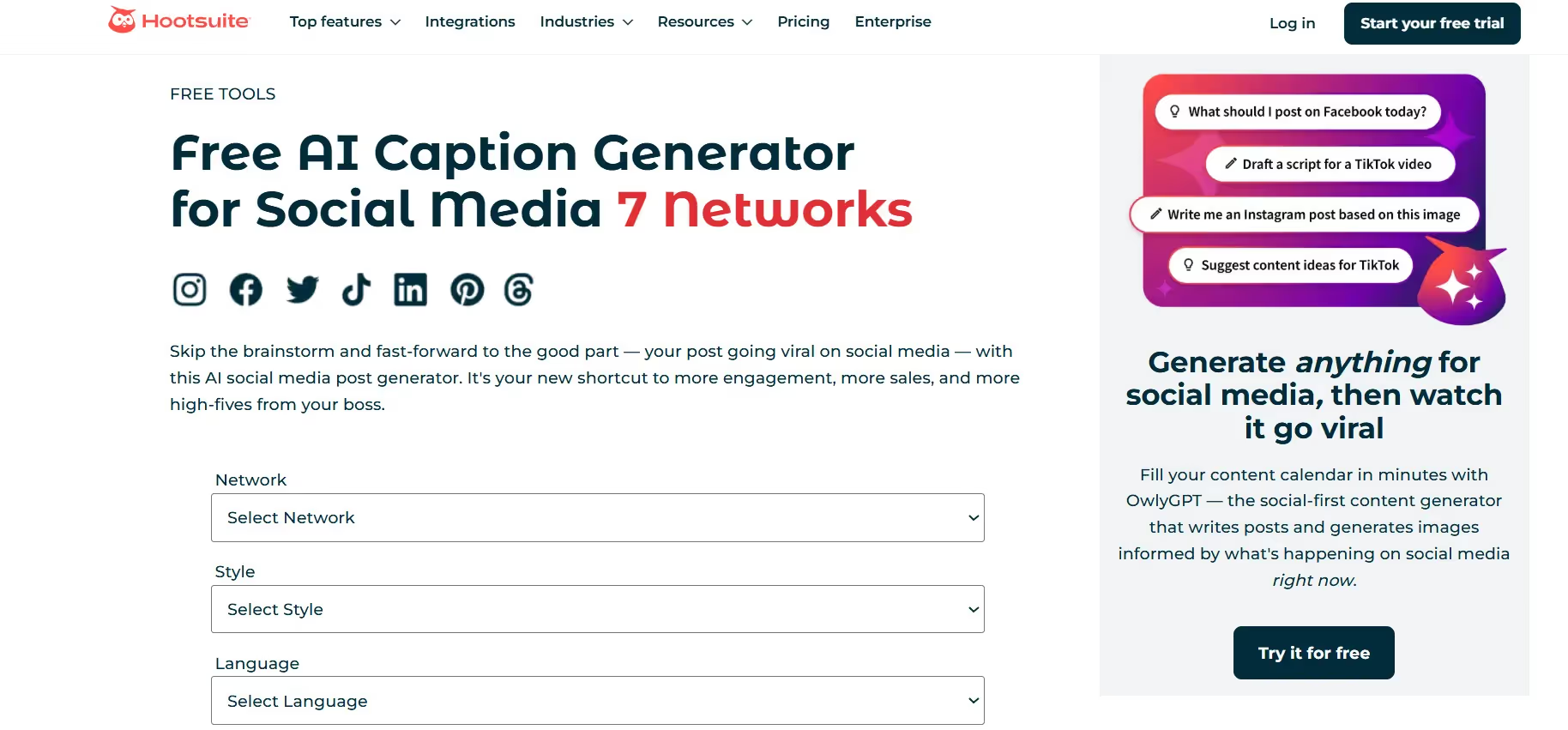
The Hootsuite Free AI Caption Generator is powered by ChatGPT 3.5 and built for social media managers juggling multiple platforms. This tool works for Instagram, TikTok, LinkedIn, Twitter, Facebook, and Pinterest, so you can generate captions for all your accounts in one place. Hootsuite lets you select your network, choose a writing style, pick a language, and add keywords to guide the AI. The generator creates captions informed by social media best practices, which means the output is optimized for engagement. If you're already using Hootsuite for scheduling, this tool fits seamlessly into your workflow. For teams managing client accounts or brands with a heavy posting schedule, Hootsuite's free caption generator is a solid starting point before upgrading to OwlyWriter AI for deeper features.
Key Features
- Multi-Platform Caption Generation. Hootsuite supports captions for Instagram, TikTok, LinkedIn, Twitter, Facebook, and Pinterest all in one tool. You can generate platform-specific captions that match character limits and best practices for each network. This saves you from switching between different generators for different platforms.
- Customizable Writing Style Options. The tool offers a long list of tone options to match your brand voice. You can choose formal, casual, humorous, inspirational, or dozens of other styles. This flexibility ensures your captions sound like you, not like generic AI output.
- Multilingual Caption Support. Hootsuite generates captions in English, Spanish, Italian, French, and German. If you're targeting international audiences or managing global campaigns, this feature lets you create localized content without hiring translators. The AI adapts the tone and style for each language.
- Keyword Integration for Better Reach. You can add keywords to your caption prompts, and Hootsuite will incorporate them into the output. This helps with social SEO and ensures your captions include terms that your target audience is searching for. More relevant keywords mean better discoverability.
- Powered by ChatGPT 3.5 for Natural Language. Hootsuite uses OpenAI's GPT-3.5, which creates captions that sound human and conversational. The AI understands context and adapts to your input, so the captions feel authentic. This makes your posts more relatable and less robotic.
- Fast and Easy to Use. The tool's interface is straightforward—select your network, style, language, add a description, and generate. The process takes seconds, which makes it ideal for busy social media managers who need quick turnaround. You can copy and paste the caption directly into your scheduling tool.
- Free Access Without Hootsuite Account. You don't need a paid Hootsuite plan to use the free caption generator. Anyone can access the tool online and start generating captions immediately. This makes it a great option for freelancers, small businesses, or creators who aren't ready to invest in a full social media management platform.
4. Teleprompter
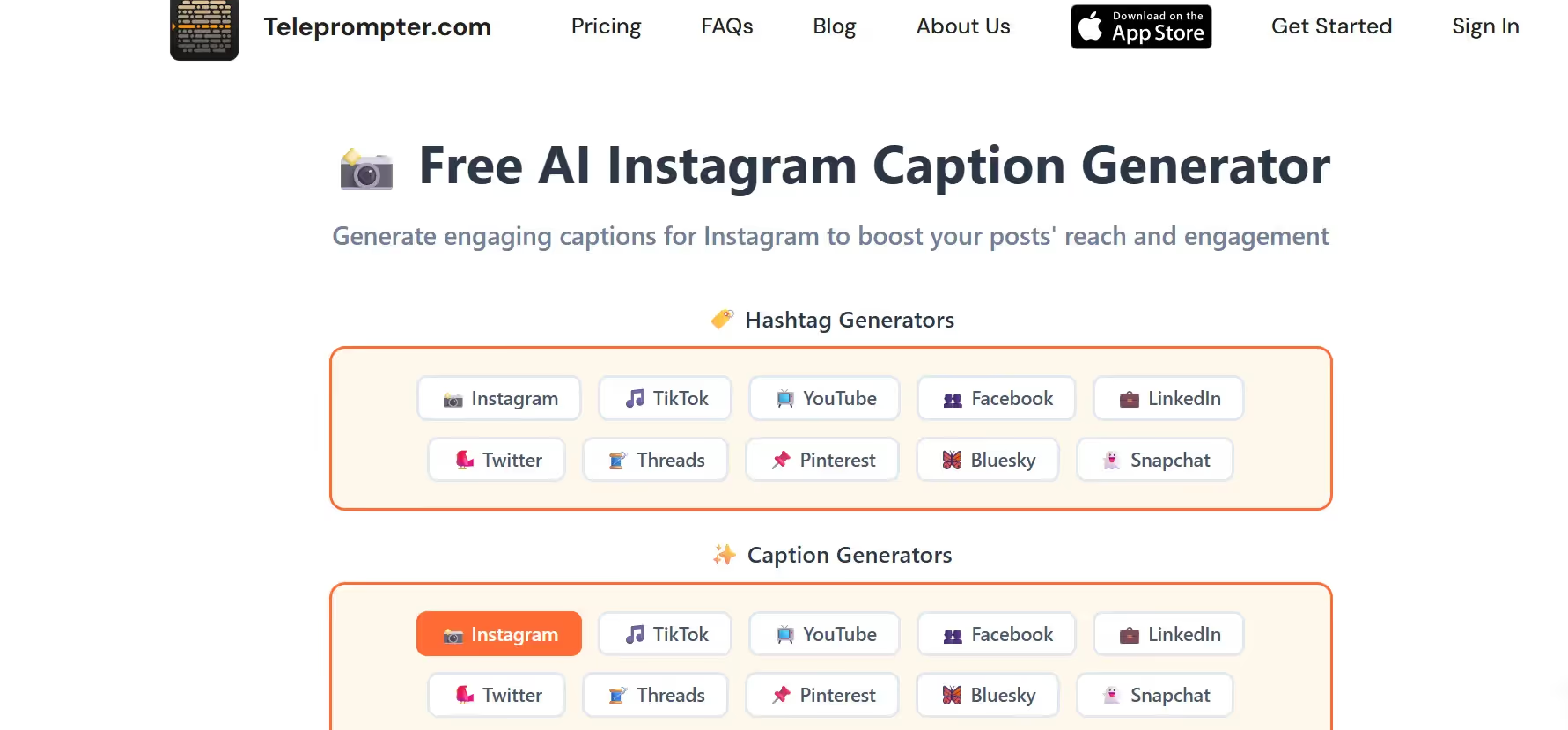
Teleprompter is a free Instagram caption generator that focuses on creating captions optimized for Instagram's algorithm and user behavior. The tool is unlimited and doesn't require sign-ups, so you can generate as many captions as you need without hitting paywalls. Teleprompter's AI is trained to write captions that spark conversations and drive engagement, which is exactly what Instagram rewards. If you're a video creator or someone who films talking-head content, Teleprompter's main product is built for recording videos with scripts, but their caption generator is a useful bonus tool. The interface is clean and simple, making it easy to generate captions on the go.
Key Features
- Algorithm-Optimized Captions. Teleprompter's AI understands how Instagram's algorithm works and writes captions designed to boost engagement. The tool focuses on creating captions that encourage comments, shares, and saves. This helps your posts get pushed to more people organically.
- Unlimited Generations with No Login. You can generate as many captions as you want without creating an account or paying for access. This is perfect for creators who need to test multiple caption options before posting. There's no cap on usage, so you can experiment freely.
- Conversation-Driven Caption Style. The tool specializes in captions that spark conversations. It writes copy that prompts followers to comment or share their thoughts, which increases engagement rates. This approach is proven to work better than passive captions that don't invite interaction.
- Fast and Simple Interface. Teleprompter's caption generator has a clean, no-frills design. You type in your prompt, hit generate, and get your caption in seconds. There are no complicated settings or unnecessary features—just fast results.
- Built for Content Creators. If you're already using Teleprompter's main app to record videos with scripts, the caption generator is a natural add-on. You can plan your video script and generate your Instagram caption in the same ecosystem, which keeps your workflow streamlined.
- Mobile-Friendly Design. The tool works smoothly on mobile devices, which is ideal for creators who post from their phones. You can generate captions while you're on location or right before posting without needing to switch to a desktop.
- Free Forever with No Hidden Costs. Teleprompter doesn't upsell you or lock features behind premium plans. The caption generator is completely free, with no strings attached. This makes it a reliable option for creators on a budget.
5. Copy.ai
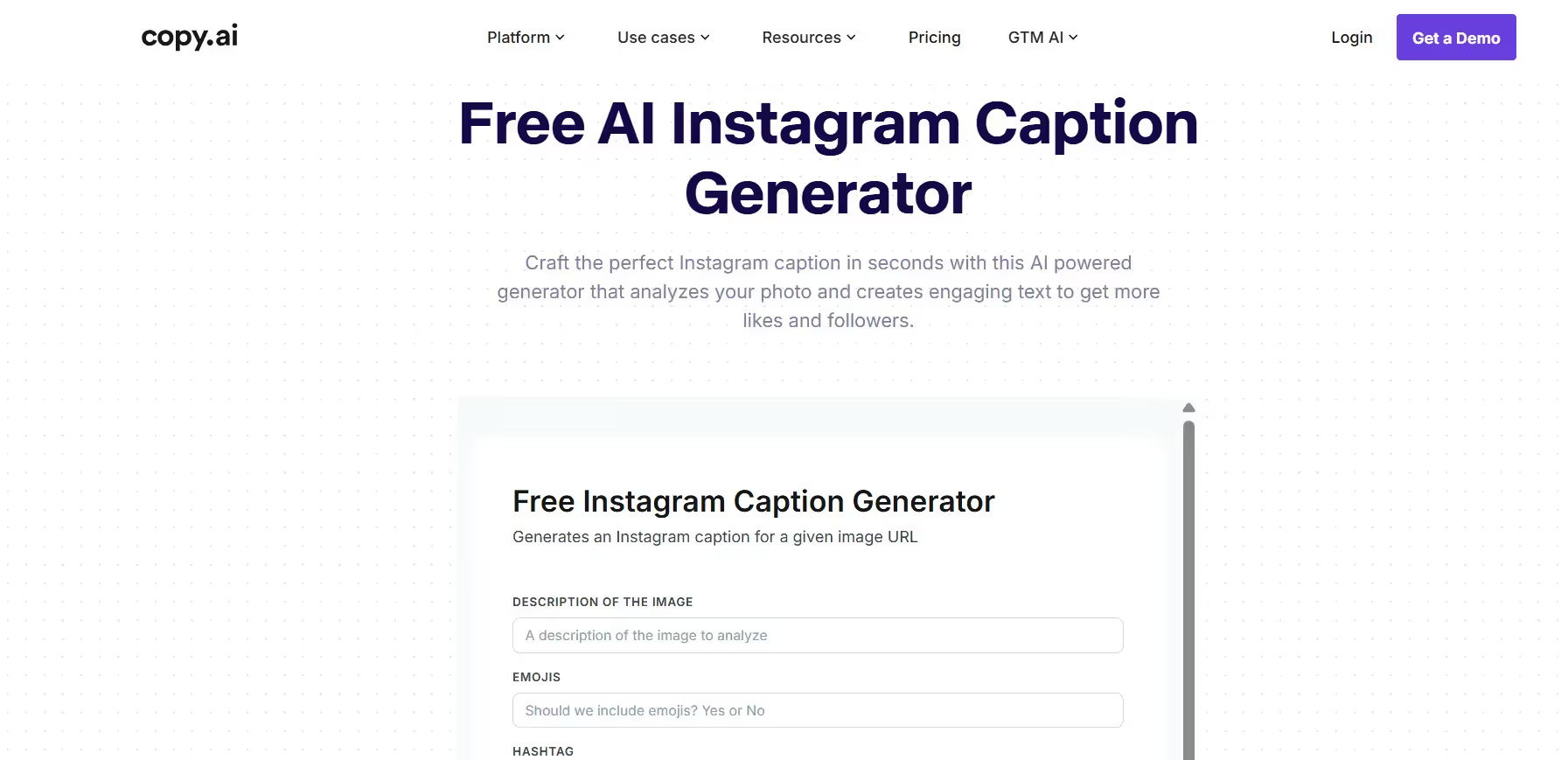
Copy.ai is an AI-powered content creation platform that goes beyond Instagram captions to cover blogs, emails, ad copy, and more. The Instagram caption generator uses advanced machine learning and natural language processing to analyze your input and create captions that match your brand voice. Copy.ai lets you customize tone, style, and length, and it generates multiple variations so you can pick the best fit. The tool is designed for marketers, agencies, and businesses that need to scale content production without hiring a full team. If you're managing multiple clients or running campaigns, Copy.ai's workflow features and integrations make it easy to batch-create captions and stay organized.
Key Features
- AI-Powered Image Analysis. Copy.ai can analyze your image and generate context-aware captions based on what's in the photo. You don't have to describe the image in detail—the AI does the heavy lifting. This feature is great for visual-first creators who want captions that match their content automatically.
- Customizable Tone and Style Options. You can set your brand voice to casual, professional, funny, inspirational, or any other tone. Copy.ai maintains consistency across all your captions, so your brand identity stays strong. The AI learns your preferences and adapts its output accordingly.
- Multilingual Caption Generation. Copy.ai supports caption creation in multiple languages, making it ideal for global campaigns. If you're targeting audiences in different countries, you can generate localized captions without switching tools. The AI adapts the tone and style for each language.
- Campaign Management Features. Copy.ai lets you organize captions by campaign, client, or project. You can save templates, reuse successful formulas, and track what works. This is a huge time-saver for agencies managing multiple accounts or brands running coordinated campaigns.
- Integration with Marketing Tools. Copy.ai integrates with platforms like Zapier, so you can connect it to your existing workflow. You can automate caption creation and push the output directly to your scheduling tools. This seamless integration keeps your content production smooth and efficient.
- Multiple Caption Variations Per Request. Each time you generate, Copy.ai gives you several options to choose from. You can pick one caption or combine elements from different suggestions to create something unique. This variety helps you find the perfect caption faster.
- User-Friendly Interface with Templates. Copy.ai offers pre-built templates for different types of Instagram captions. You can choose a template that fits your needs, fill in the details, and generate captions in seconds. The interface is intuitive, so even beginners can start creating high-quality captions right away.
6. Ahrefs
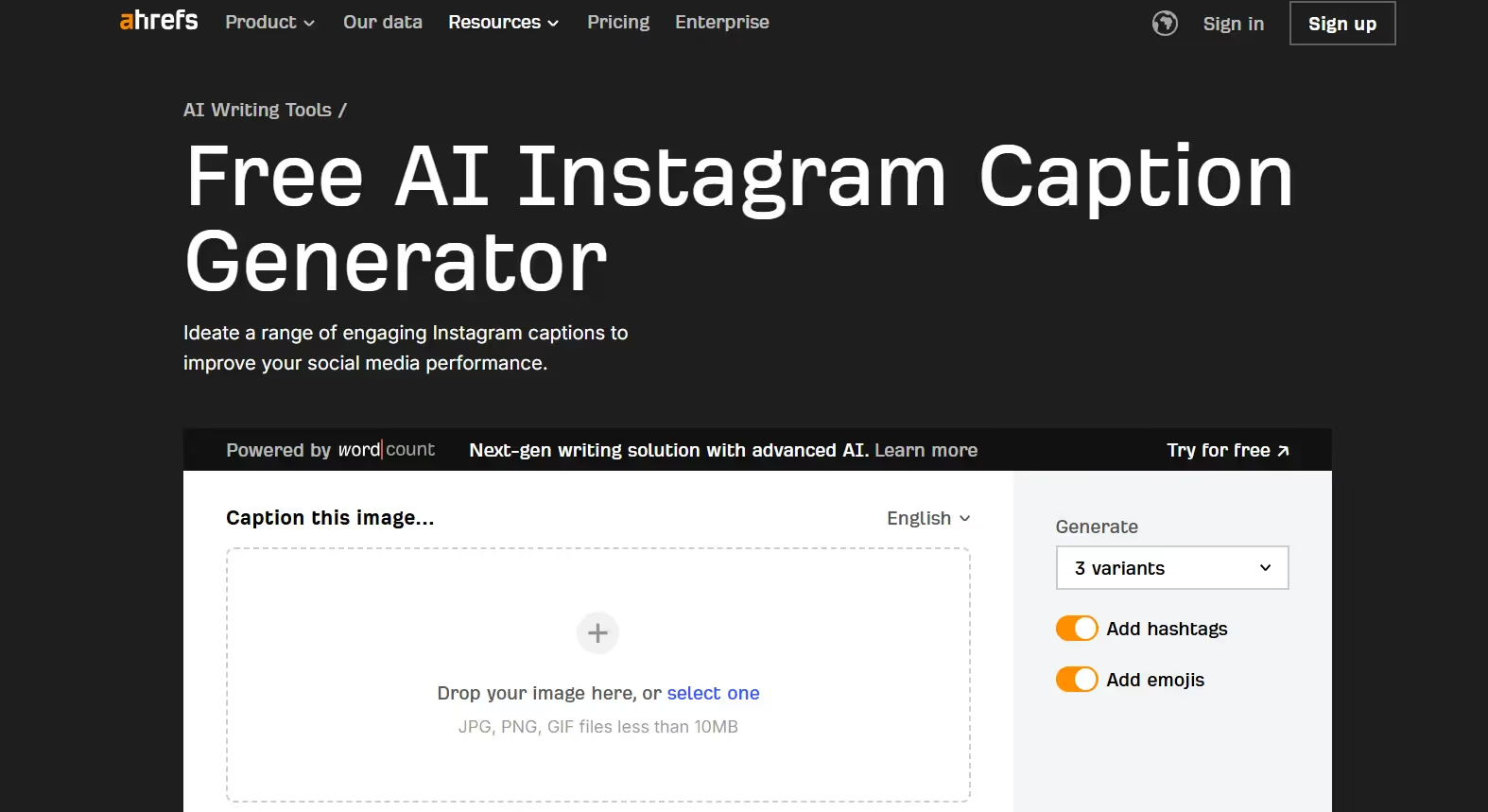
The Ahrefs Instagram Caption Generator is part of Ahrefs' suite of free writing tools, which also includes headline generators, paragraph generators, and more. Known primarily for SEO and keyword research, Ahrefs brings that same data-driven approach to caption writing. The tool uses a language model trained on millions of text samples, so the captions it generates feel natural and engaging. You can input a description of your post, and the AI creates captions that improve engagement and align with Instagram best practices. Ahrefs also offers follow-up tools like a proofreader and AI detector, so you can refine the generated captions before posting. If you're already using Ahrefs for SEO, this tool is a convenient addition to your content workflow.
Key Features
- SEO-Driven Caption Writing. Ahrefs applies its SEO expertise to caption generation. The tool creates captions with keywords and phrases that help your posts get discovered in Instagram search and explore feeds. This is a unique advantage if you're focused on organic growth.
- Natural Language Processing for Human-Like Captions. Ahrefs uses a language model that understands patterns, grammar, and vocabulary from large datasets. The captions sound conversational and authentic, not like they were written by a robot. This makes your posts more relatable and engaging.
- Multiple Caption Variations Per Request. Each time you generate, Ahrefs gives you several caption options to review. You can pick the one that fits best or mix and match ideas. This variety makes it easier to find a caption that resonates with your audience.
- Built-In Proofreading Tool. Ahrefs includes a proofreader that checks your captions for grammar, style, and clarity issues. You can refine the generated text before posting to ensure it's polished and error-free. This extra layer of quality control is a nice touch.
- AI Detection Feature. If you're concerned about your captions sounding too AI-generated, Ahrefs offers an AI detector that analyzes the text. You can see how much of the caption is AI-written and adjust accordingly. This is useful if you want your captions to feel more authentic.
- Free and No Login Required. Ahrefs' caption generator is completely free to use without creating an account. You can generate as many captions as you need without hitting usage limits. This makes it accessible for creators and businesses on any budget.
- Part of a Larger Writing Tools Suite. If you need more than just captions, Ahrefs offers tools for blog titles, meta descriptions, hooks, and more. You can use the entire suite to handle different parts of your content strategy in one place. This integration saves time and keeps your workflow efficient.
7. Pallyy

Pallyy is a 100% free Instagram caption generator with no login required. The tool is straightforward—you describe your post, choose how many hashtags you want, select a tone, set the caption length, and hit generate. Pallyy is designed for creators who need quick results without extra steps or complicated settings. The interface is clean and mobile-friendly, so you can generate captions from your phone right before posting. Pallyy also offers other free tools like an Instagram feed planner, bio generator, and username generator, making it a handy resource for anyone managing Instagram content.
Key Features
- No Login or Sign-Up Required. Pallyy lets you start generating captions immediately without creating an account. There's no email verification, no payment info, and no hidden fees. You can access the tool anytime and generate unlimited captions for free.
- Customizable Hashtag Count. You can choose how many hashtags you want included in your caption. Whether you prefer just a few or the maximum 30, Pallyy adjusts the output to match your preference. This gives you control over how your captions look and perform.
- Tone Selection for Brand Consistency. Pallyy offers multiple tone options like fun, serious, casual, professional, and more. You can pick the tone that fits your brand or the specific post you're creating. This keeps your captions consistent across all your content.
- Caption Length Control. You can select short, medium, or long captions depending on your needs. Short captions work great for quick engagement, while longer captions are perfect for storytelling or educational posts. This flexibility makes Pallyy versatile for different types of content.
- Instant Copy-to-Clipboard Function. Once you find a caption you like, you can copy it to your clipboard with one click. No need to manually select and copy the text—Pallyy makes it fast and easy. This is especially convenient when you're posting from mobile.
- Additional Instagram Tools Included. Pallyy offers a suite of free Instagram tools beyond caption generation. You can plan your feed, resize photos, generate bios, create usernames, and format captions with line breaks. If you're managing Instagram content, Pallyy covers multiple needs in one place.
- Mobile-Optimized Interface. The tool works seamlessly on mobile devices, which is perfect for creators who post on the go. You don't need to switch to a desktop to generate captions—everything works smoothly from your phone.
8. VEED.IO
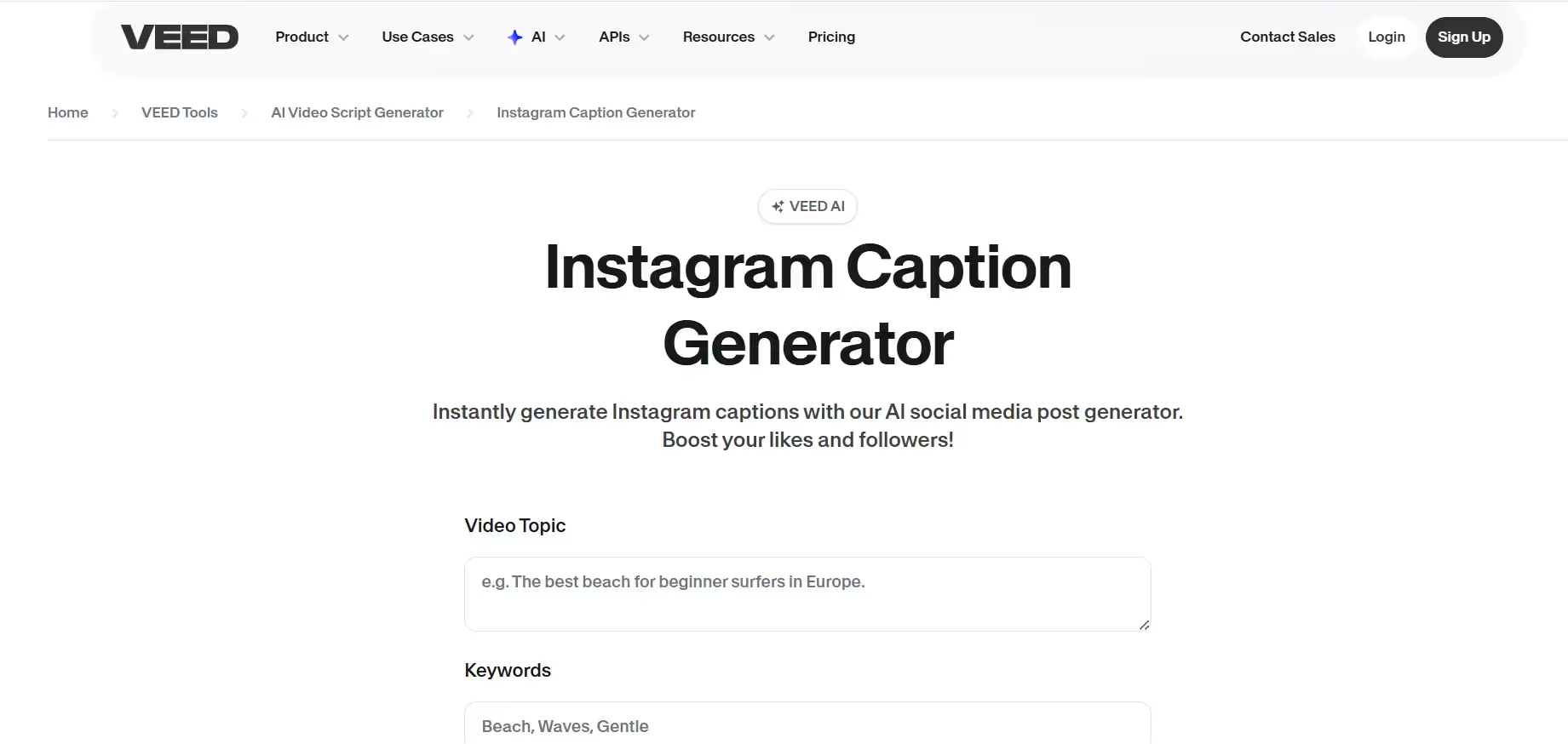
VEED.IO is best known as an all-in-one video editing platform, but its Instagram caption generator is a powerful standalone tool. You type in a topic or keywords, and VEED's AI generates captions with relevant hashtags. What makes VEED stand out is its integration with video editing tools—you can generate captions, create videos, add voiceovers, auto-generate subtitles, and use the magic cut feature all in one platform. If you're a video creator posting reels or stories, VEED saves you from juggling multiple apps. The AI uses advanced algorithms to ensure captions are relevant and optimized for engagement, so your posts get more likes and follows.
Key Features
- AI Caption Generator with Hashtag Inclusion. VEED automatically generates captions with hashtags relevant to your post. You type in keywords, hit generate, and get multiple caption options with hashtags already included. This saves you from manually researching trending tags.
- Built-In Video Editor for Full Content Creation. VEED isn't just a caption generator—it's a complete video editing suite. You can create reels, stories, and videos, then generate captions for them without leaving the platform. This all-in-one approach keeps your workflow smooth and efficient.
- Auto-Generated Subtitles for Videos. If you're posting video content, VEED can auto-generate subtitles with high accuracy. This is a huge time-saver for creators who need captions on their videos. The subtitles sync automatically, so you don't have to manually time them.
- Magic Cut Tool for Quick Editing. VEED's magic cut feature removes silence and filler words from your videos, making them punchier and more engaging. This is perfect for creating short-form content that holds attention. You can edit and generate captions in one platform.
- Instant Voiceovers with AI. VEED offers AI-powered voiceovers in multiple languages and accents. If you need a voiceover for your video, you can add it instantly without recording your own voice. This is great for faceless content or brands that need consistent audio.
- Platform-Specific Content Guidelines. VEED understands the best practices for Instagram, TikTok, YouTube, and other platforms. The captions it generates are optimized for each network's character limits and engagement patterns. This ensures your captions perform well no matter where you post.
- Content Policy for Safe and Appropriate Captions. VEED restricts prompts that contain hate, threats, self-harm, violence, or explicit content. This ensures the captions it generates are safe and appropriate for all audiences. You won't accidentally get flagged or violate platform guidelines.
9. Planable
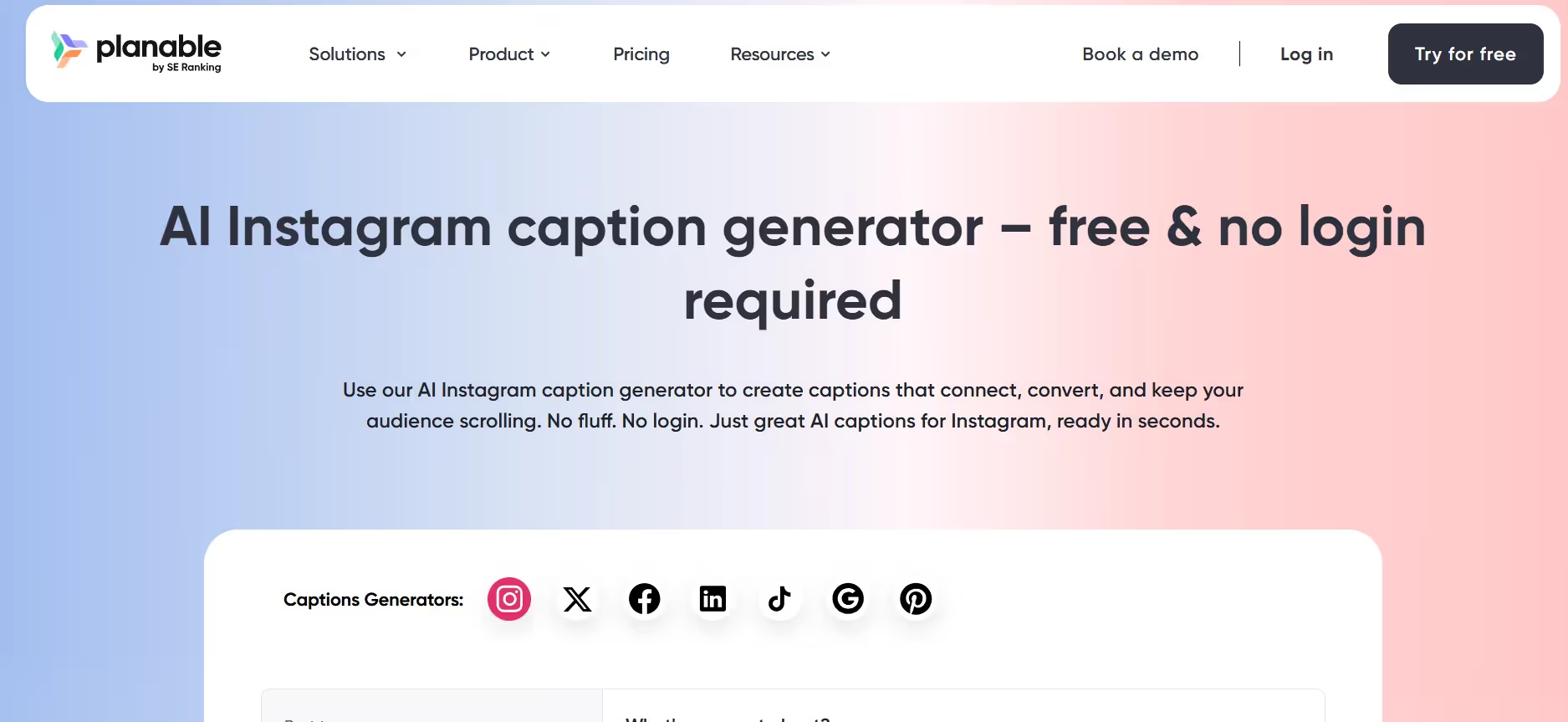
Planable is a free Instagram caption generator built by social media marketers who understand the pain of writer's block. The tool uses machine learning and natural language processing to analyze your input and create captions that match your intent. Planable lets you select the type of post (actionable, inspiring, introspective, or promotional), choose your writing style (humorous, formal, witty, empathetic, etc.), set caption length, and pick how many variations you want. You can also toggle emojis and hashtags on or off. What makes Planable unique is its focus on brand identity and content consistency—the tool is designed to help marketers adapt captions across campaigns, clients, and audiences without losing their voice.
Key Features
- Post Type Selection for Intent Matching. Planable lets you choose the type of post you're creating—actionable, inspiring, introspective, or promotional. The AI tailors the caption to match your intent, so the output aligns with your goals. This ensures your captions drive the right kind of engagement.
- 10 Writing Style Options for Personality. You can pick from 10 different writing styles including humorous, inspirational, witty, empathetic, convincing, and more. This variety lets you match the caption to your brand's personality or the mood of the post. You can switch styles depending on the content.
- Caption Length Control for Flexibility. Planable offers shorter and longer caption options. Short captions work for quick engagement, while longer captions are great for storytelling or educational content. You can adjust the length based on what works best for each post.
- Multiple Variations Per Request. You can generate 1, 3, or 5 caption variations at once. More options mean you're more likely to find a caption that feels right. You can also combine elements from different suggestions to create something unique.
- Emoji and Hashtag Toggle. Planable lets you turn emojis and hashtags on or off depending on your preference. If you want to add them manually later, you can disable them. This gives you full control over the final output.
- AI Prompts Library for Inspiration. Planable provides a library of tried-and-tested AI prompts for different types of posts. You can steal these prompts, customize them for your brand, and generate captions fast. This is a huge time-saver for creators who aren't sure how to phrase their requests.
- Batch Content Creation for Efficiency. Planable is designed for marketers who need to generate multiple captions in one sitting. You can batch-create content for different campaigns, clients, or weeks of posts. This keeps you ahead of schedule and reduces last-minute scrambling.
10. Writecream
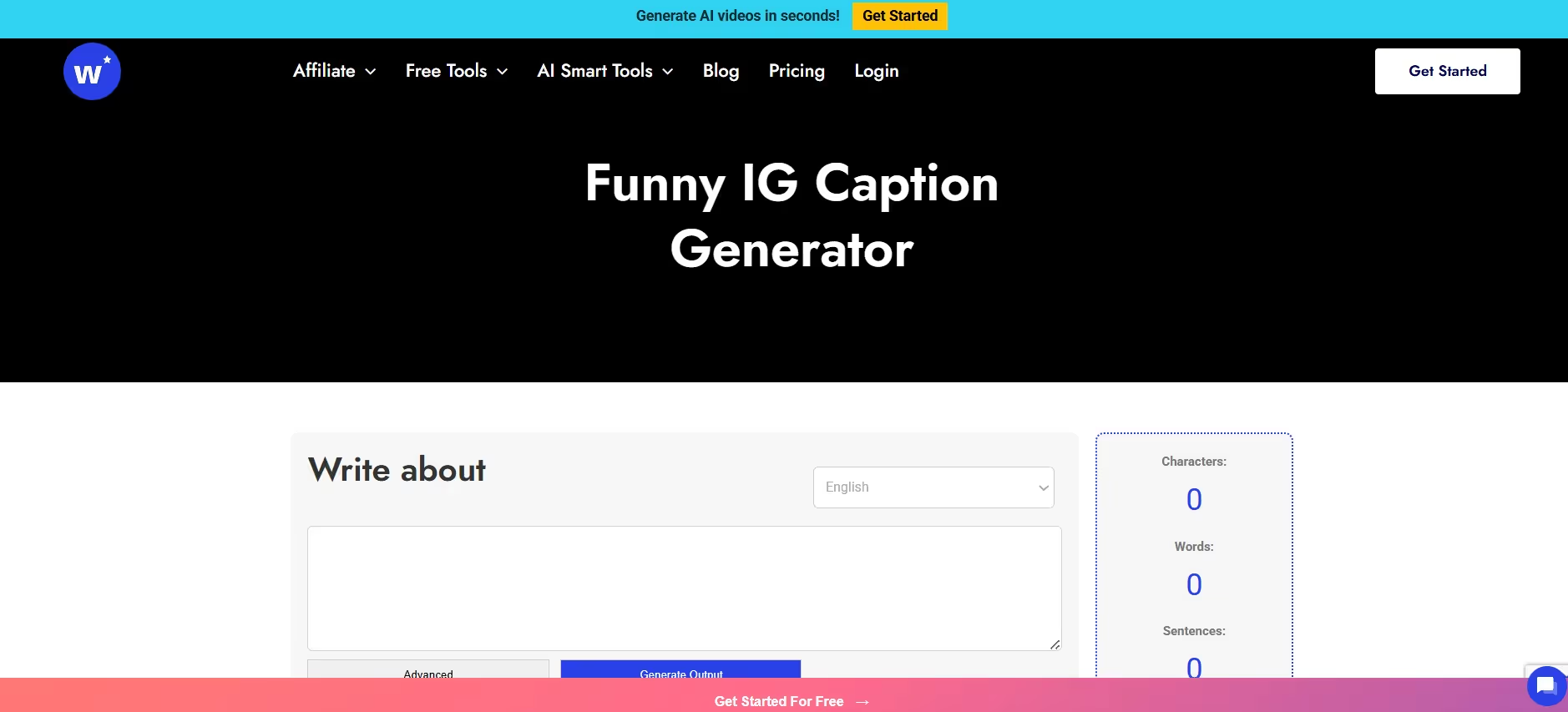
Writecream specializes in funny Instagram captions, making it the go-to tool for creators who want to add humor to their posts. If you're tired of boring, generic captions, Writecream's AI is trained to write jokes, puns, and witty one-liners that make people laugh. The tool is super simple to use—you enter details about your post, select your language, tone, and word count, then hit generate. Writecream serves up multiple funny caption options, and you can pick the one that fits your sense of humor. Whether you're posting selfies, food pics, or random thoughts, Writecream adds personality and entertainment to your content.
Key Features
- Specializes in Funny and Humorous Captions. Writecream's AI is trained specifically to write funny captions. It uses jokes, puns, and witty language to make your captions stand out. If your brand has a playful personality, this tool is perfect for keeping your content entertaining.
- Endless Library of Jokes and One-Liners. Writecream has a massive database of jokes and humor styles. You'll never run out of funny caption ideas because the AI constantly updates its library. This keeps your captions fresh and avoids repetition.
- Customizable Comedy Style. You can choose the kind of humor you want—silly, sarcastic, clever, or random. Writecream tailors the captions to match your preferred comedy style. This ensures the humor feels authentic to your brand, not forced or out of place.
- Fast Caption Generation in Seconds. Writecream spits out funny captions almost instantly. If you're stuck in a caption crisis and need to post fast, the tool delivers results in seconds. This speed makes it ideal for creators who post frequently.
- Language and Tone Selection. You can pick your language and tone settings to customize the output. Whether you want a casual, sarcastic, or playful tone, Writecream adjusts the captions accordingly. This flexibility helps you match the caption to the specific post.
- Easy to Use with Minimal Steps. The tool's interface is straightforward—enter your post details, select your preferences, and generate. There are no complicated settings or unnecessary features. You can start using it immediately without a learning curve.
- Free to Use with No Hidden Fees. Writecream offers its funny caption generator for free. There's no premium tier locking the best features behind a paywall. You can generate as many captions as you need without worrying about costs.
Conclusion
Instagram caption generators aren't just time-savers—they're your shortcut to better engagement, more consistent posting, and captions that actually connect with your audience. Whether you need funny one-liners, storytelling captions, or promotional copy, there's a tool out there that fits your style and workflow. You don't have to spend hours stressing over the perfect caption when AI can do the heavy lifting in seconds. The best Instagram caption generators give you options, let you customize tone and style, and include hashtags and emojis automatically so your posts perform better. Test a few tools, find what works for you, and start posting with confidence. Your captions matter, make them count. Try Smartli today!
Instagram Caption Generator FAQs
What is an Instagram caption generator?
An Instagram caption generator is an AI-powered tool that creates captions for your Instagram posts based on the description or image you provide. These tools use machine learning and natural language processing to write captions that match your brand voice, include relevant hashtags, and drive engagement. Most generators let you customize tone, length, and style so the output feels authentic. They're designed to save time, beat writer's block, and help you post consistently without stressing over what to write.
Are Instagram caption generators free?
Many Instagram caption generators offer free versions with no login required, including tools like Social Cat, Pallyy, Teleprompter, and Ahrefs. These free tools let you generate unlimited captions without hitting paywalls or creating accounts. Some platforms like Copy.ai, Smartli, and Hootsuite offer free trials or basic versions, with paid plans unlocking advanced features like image analysis, campaign management, or integration with scheduling tools. You can find high-quality free options if you're on a budget.
How do Instagram caption generators work?
Instagram caption generators use AI algorithms trained on large datasets of text to understand language patterns, grammar, and tone. You input details about your post—like a description, keywords, or an image—and the AI analyzes that information to generate captions. Advanced tools use natural language processing to create captions that sound conversational and human. Some generators also analyze images to understand context and write captions that match your visuals. The more specific your input, the better the output.
Can Instagram caption generators improve engagement?
Yes, Instagram caption generators can boost engagement by creating captions optimized for likes, comments, and shares. Most tools automatically include relevant hashtags, emojis, and calls-to-action that encourage interaction. AI-generated captions are designed to follow Instagram best practices, which means they're more likely to perform well in the algorithm. Captions that ask questions, tell stories, or prompt followers to tag friends tend to get higher engagement. Using a caption generator ensures you're hitting these engagement triggers consistently across all your posts.


%201.svg)


.avif)

.avif)


