


Your social media content blends into the crowd. Standard text looks boring, and your posts don't grab attention the way they should. You want your bios, comments, and captions to look unique and polished, but you don't have hours to spend learning complex design software.
A font generator fixes this in seconds. These tools convert your regular text into dozens of stylish variations using Unicode characters, special symbols, and creative typography styles. No design skills required. Our guide will walk you through the best ones out there.
How to Make Stylish Text?
Making stylish text comes down to understanding a few basics. Most generators use Unicode characters—special symbols that exist in the Unicode standard and can be copied and pasted anywhere online. Your regular letters get replaced with different character sets that look fancy, bold, cursive, or decorated without being actual font files.
- Start by thinking about your vibe. Are you going for elegant and refined? Try cursive or calligraphy styles. Want bold and eye-catching? Look for thick, bubble letters or decorative fonts with symbols. For edgy content, glitch text, strikethrough, or zalgo effects add personality. Social media platforms love variety, so picking a style that matches your brand voice matters.
- Preview before you commit. Most font generators show you real-time previews as you type, so you'll see exactly what your text looks like in different styles. This matters because some styles might look great on desktop but render differently on mobile. Copy the version you like and paste it into a few different places to test how it displays. If it looks off, try a different style. Some platforms have font support issues, so testing helps you avoid surprises.
- Keep it readable. Just because you can make your text look wild doesn't mean you should. Overlapping symbols, too many decorative elements, or extremely distorted text can actually hurt readability and come across as spam to some algorithms. The best stylish text catches eyes and remains easy to read. Mix styled text with regular text for balance.
How to Choose the Best Font Generators for Creating Stylish Text
Picking the right font generator depends on what you need. Some tools shine at speed and simplicity, while others offer advanced customization. Here's how to narrow down your options.
Quick vs. Customizable
If you want results in seconds with zero fuss, go for the copy-paste generators. These work instantly, need no sign-up, and work everywhere. Type your text, scroll through 50+ pre-made styles, click copy, and you're done. They're perfect for social media where speed matters.
If you need more control and want to tweak spacing, colors, or specific details, look for design-focused generators. These take a bit longer but give you options like adjusting font weight, adding effects, or combining multiple styles. You trade speed for flexibility.
Compatibility Check
Not every style works on every platform. Unicode text works almost everywhere, but some websites or apps don't support certain characters. Test your generated text on the platform you'll use before committing. If you're creating graphics for a website or print project, you'll want downloadable fonts rather than just copied text.
Platform-Specific Needs
Instagram, TikTok, and Discord all handle text differently. Some fancy styles display perfectly on one platform but show as boxes or jumbled characters on another. Mobile phones sometimes render fonts differently than desktop browsers. If you're targeting a specific platform, pick a generator that's tested and confirmed to work there.
13 Best Font Generators for Making Stylish Text in 2026
Pick any of these 13 generators below, type your text, select a style you like, and copy it. Paste anywhere and watch your content stand out instantly. Most are completely free, no sign-ups needed.
1. Picsart
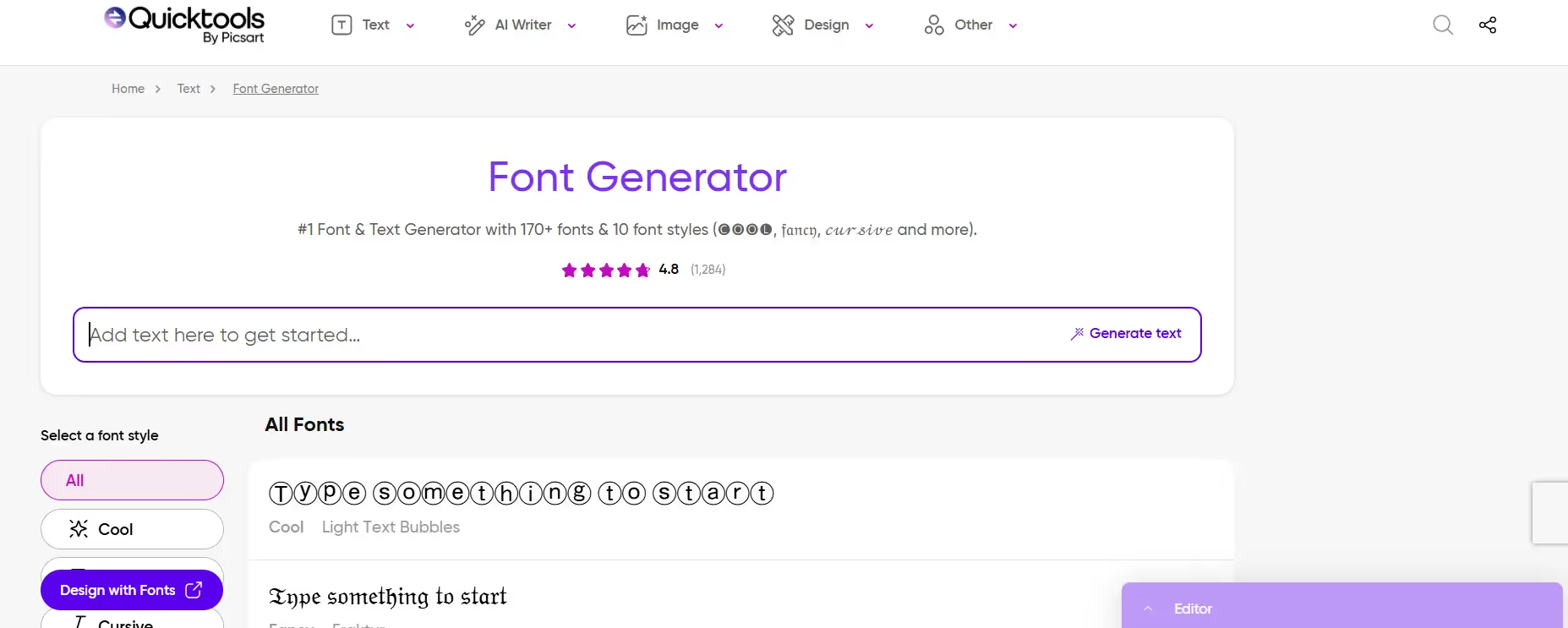
Picsart brings serious creative firepower to text styling. This isn't just a font converter—it's a complete design tool that lets you type text and instantly see it transform across 170+ font styles and variations. What makes Picsart special is its AI-powered approach combined with traditional font library access. You get bold, cursive, fancy, cool, and decorative text all in one interface. The real-time preview shows changes instantly as you type, which is huge for getting the look just right. And the best part? You can copy and paste your styled text directly into Instagram, TikTok, Discord, or save it as part of a graphic design project.
Key Features:
- Over 170 unique font styles available in one tool, including cool text, fancy fonts, cursive options, and decorated variations with symbols that match different aesthetics and moods.
- Real-time preview system that updates instantly as you type your text, so you see exactly what your styled text looks like before copying or saving it anywhere.
- Copy-and-paste functionality that works on every major platform including Instagram bios, TikTok captions, Discord servers, Twitter posts, and most messaging apps without character breakage.
- AI-powered text effects that let you add shadows, gradients, 3D styling, and other visual enhancements beyond just changing the font style itself for more polished results.
- Seamless integration with Picsart's full design suite, so you can generate styled text and immediately use it in graphics, social posts, or branded content within the same platform.
2. LingoJam
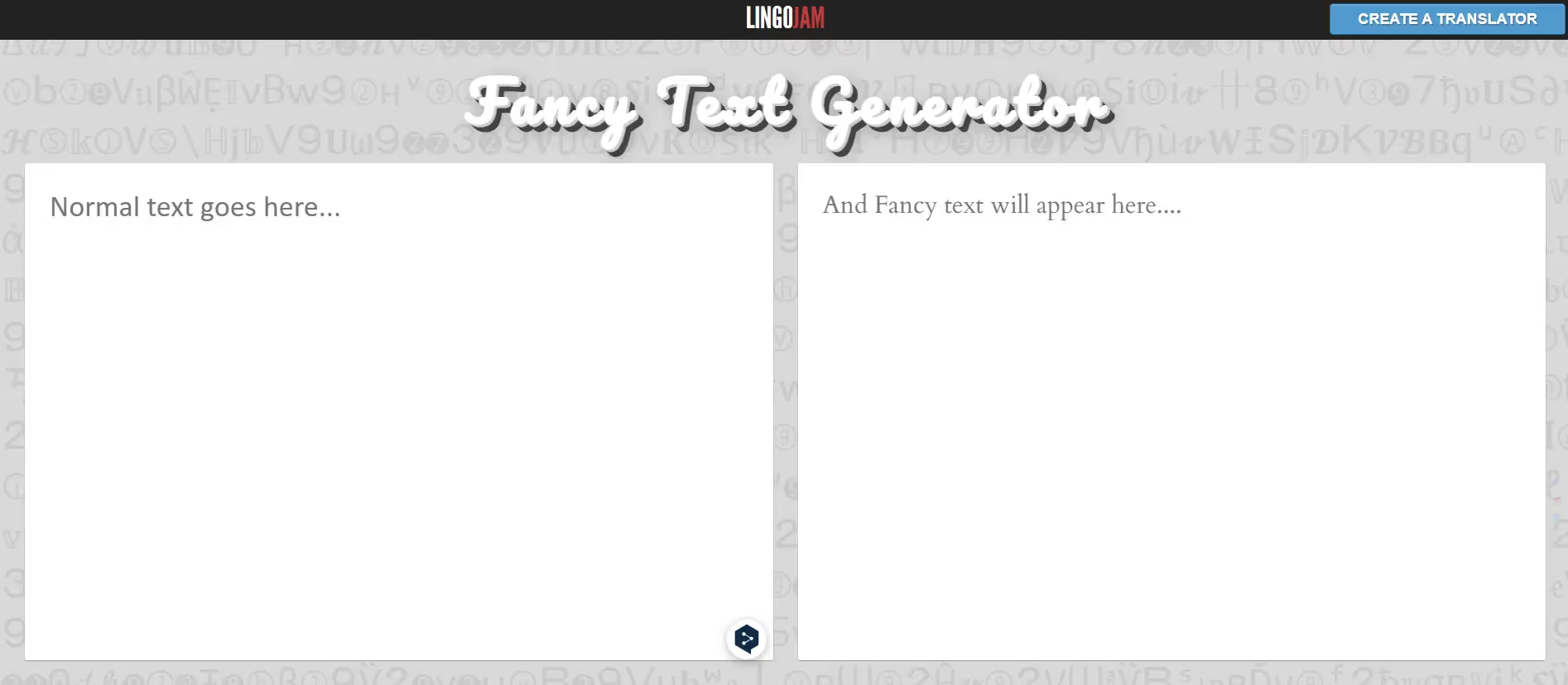
LingoJam is the lightweight champion of fancy text. This generator handles over 361 different font styles and variations, making it one of the most comprehensive free options available. The interface is deliberately stripped down—no clutter, no unnecessary features, just a text box and your styled output. LingoJam uses Unicode characters to create text that works everywhere online. Whether you want bold, small, cursive, zalgo glitch effects, or symbolic text, it's all here. The genius is simplicity: type once, see dozens of options instantly, copy the one you like. Perfect for users who don't want complications.
Key Features:
- 361+ different font style variations covering everything from bold and cursive to zalgo glitch, strikethrough, small text, and decorative symbol styles for maximum creative options.
- Zero sign-up requirement and completely free with no hidden features or premium walls, making it accessible immediately for anyone who wants to start styling text right now.
- Works everywhere online because it uses standard Unicode text characters that display correctly on Facebook, Instagram, TikTok, Discord, Twitter, YouTube and virtually any platform.
- Instant generation with no lag or loading—your text transforms as you type, with previews showing in real-time so you never have to guess what your styled text will look like.
- Mobile-friendly interface that works smoothly on phones and tablets, letting you create and copy stylish text directly to your social media apps on the go without desktop constraints.
3. Pixelied
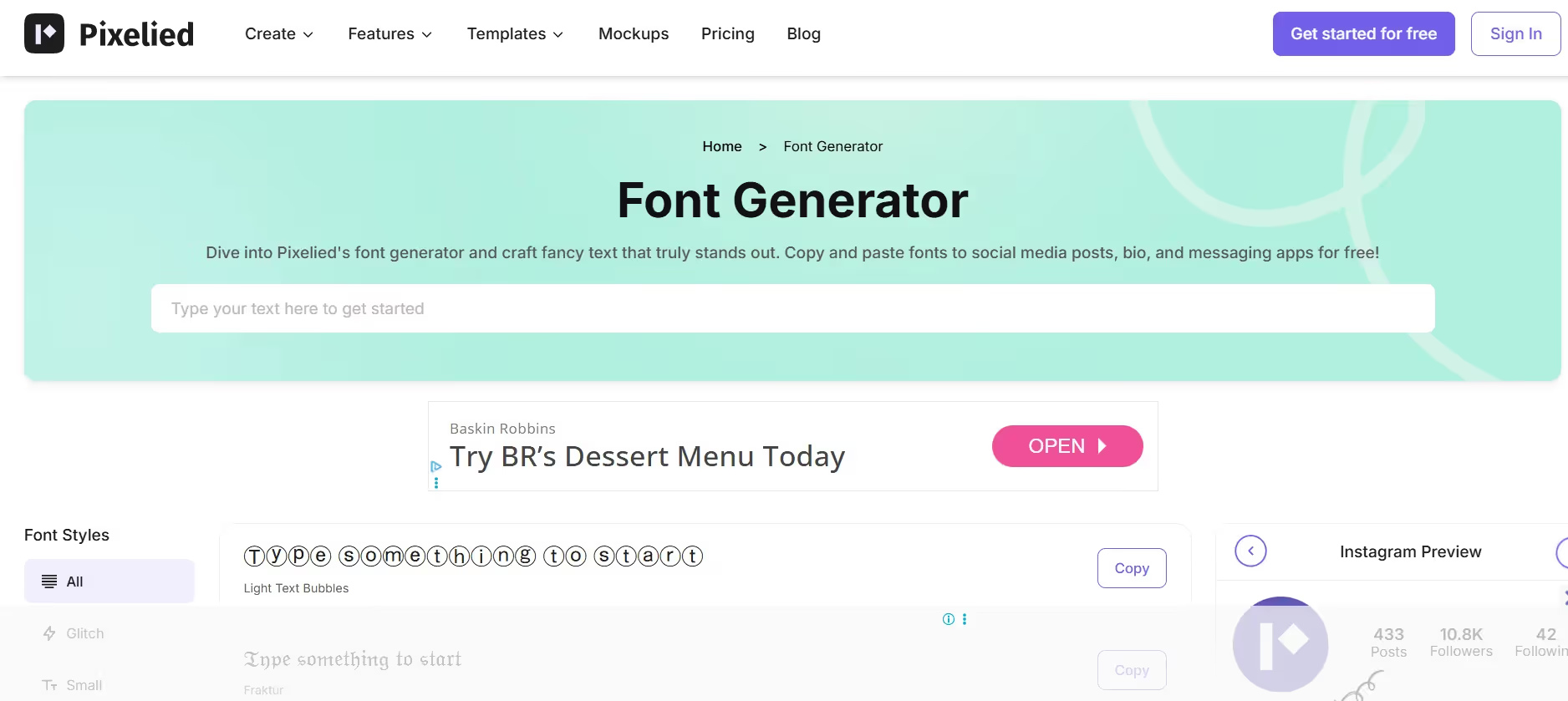
Pixelied offers a polished, designer-friendly interface packed with font options. While it's part of a larger design platform, the font generator stands alone as a powerful, free tool. You get an organized library of styles with clear categories and smooth filtering. Pixelied shows off excellent typography options including bubble fonts, calligraphy, script styles, and decorative fonts. The preview is larger than competitors, making it easier to see exactly how your text looks before copying. Integration with other Pixelied tools means if you generate styled text and want to turn it into a graphic, you can jump into the full editor instantly.
Key Features:
- Large, clean preview window that displays your styled text prominently, so you can see every detail and check readability before copying and ensure the text looks good in real-world use.
- Hundreds of copy-and-paste font styles organized into searchable categories, helping you find exactly the style you need quickly without scrolling through irrelevant options.
- Direct integration with Pixelied's design suite, letting you generate styled text and immediately incorporate it into graphics, posters, social media templates, or marketing materials.
- Works flawlessly across all major platforms and devices, with special attention to mobile rendering so your styled text looks consistent whether people view it on phone or desktop browsers.
- Font editor tools within some styles let you adjust weights, slants, and sizing before copying, giving you basic customization options without leaving the generator interface itself.
4. Fancytextpro
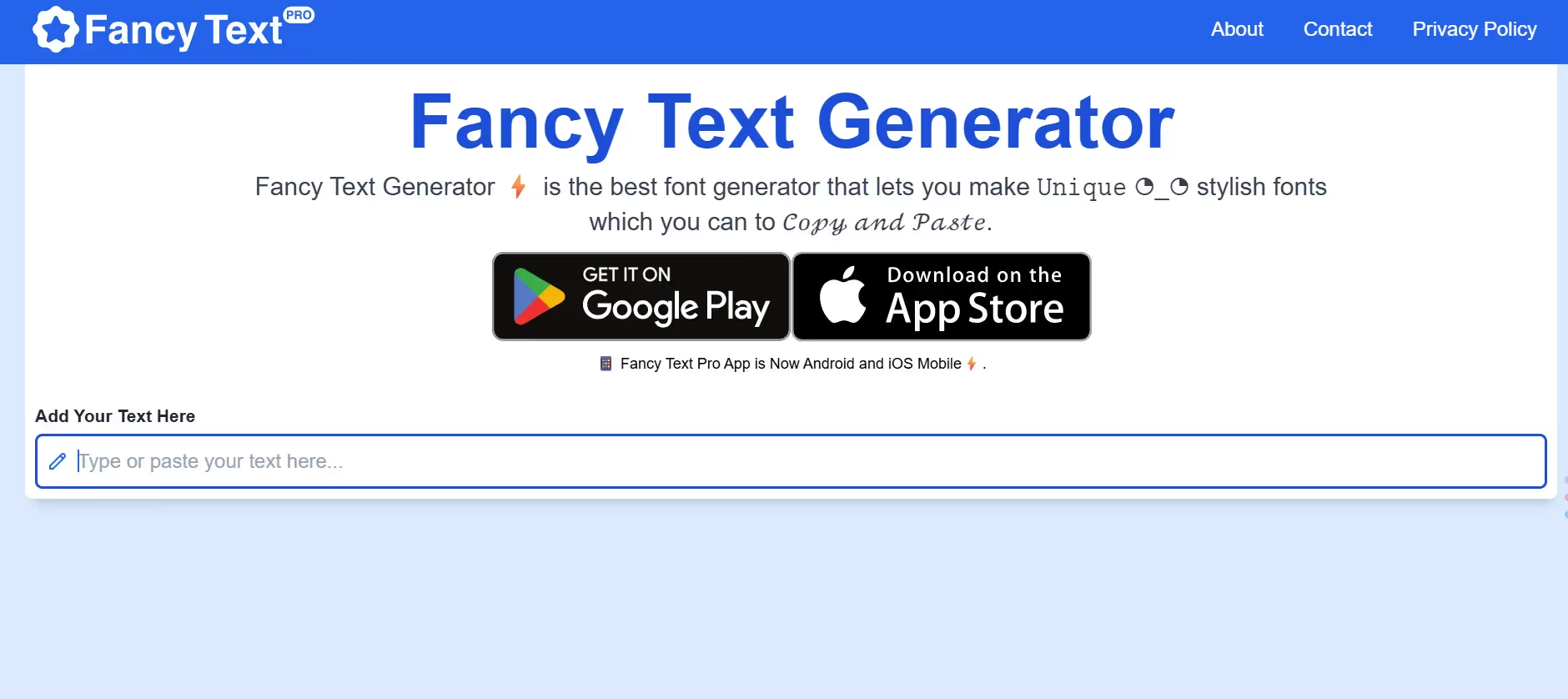
Fancytextpro delivers a wide variety with a straightforward design. This generator focuses on breadth—it offers many unique combinations of text styles using ASCII characters and Unicode, giving you options you won't find elsewhere. The tool is built for social media use, with dedicated sections for Instagram bios, Facebook posts, WhatsApp messaging, and Twitter tweets. You'll find aesthetic variations, emojis mixed with text, and decorative symbols alongside traditional font styles. The generator handles bulk text without breaking, making it reliable for longer messages or captions.
Key Features:
- Extensive unique style combinations created from ASCII characters and Unicode, offering fancy text variations that feel genuinely different from other generators' standard offerings.
- Optimized for major social media platforms with specific recommendations for Instagram bios, Facebook posts, WhatsApp messages, and Twitter, ensuring your text displays correctly on each platform.
- Emojis and decorative symbols integrated with text styles, letting you combine stylized fonts with emoticons and special characters for more expressive and visually interesting output.
- Handles longer text without breaking or reformatting, so captions, multi-line bios, and paragraph-length messages generate and copy without losing line breaks or spacing.
- Free tool with no registration required and unlimited generations, so you can create as much stylish text as you want without hitting paywalls or feature limits.
5. Namecheap
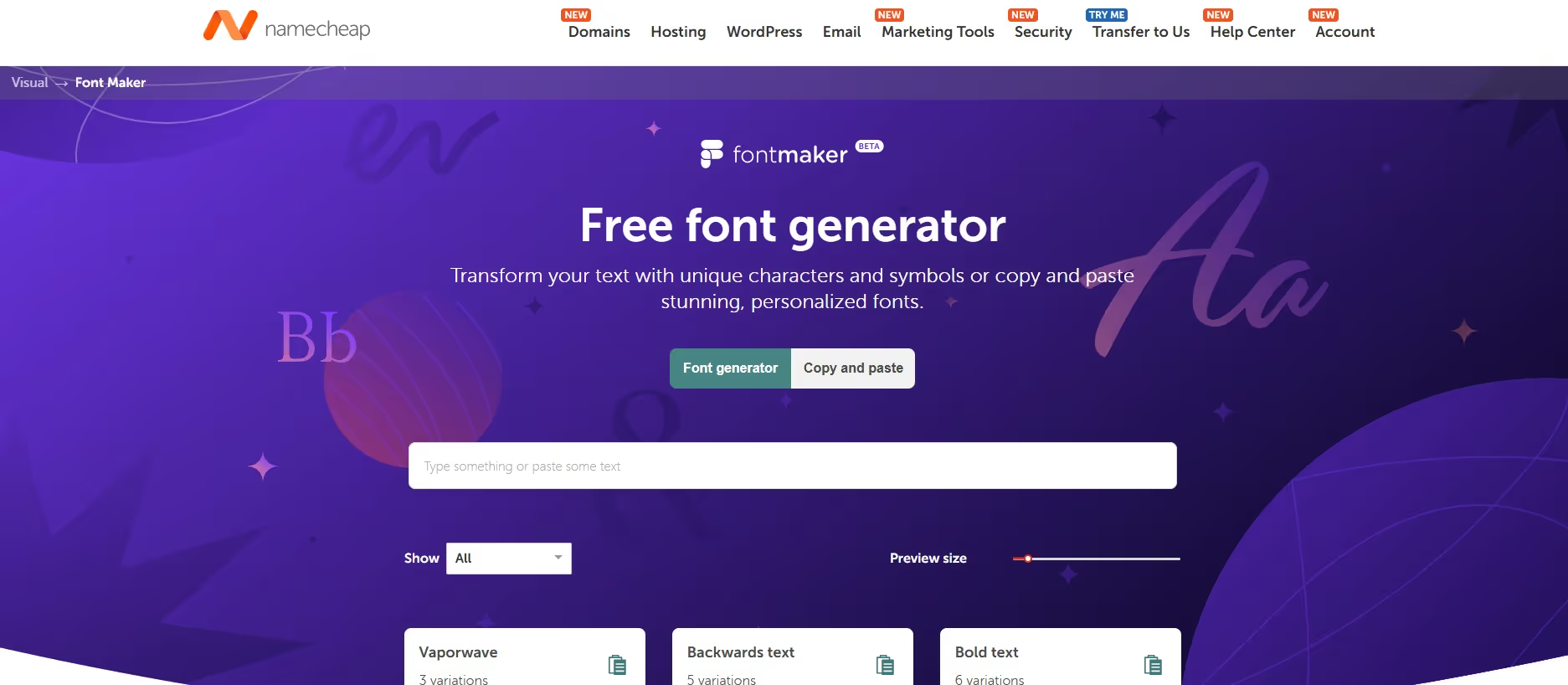
Namecheap brings an interesting angle as a free font generator bundled with their Visual design toolkit. This tool replaces standard Unicode characters with non-standard ones, creating unique fonts that work almost anywhere online. It's particularly strong with backwards text, symbol variations, and horoscope fonts—quirky styles other generators skip. You get visual previews of each style, and copying works flawlessly. Namecheap positions this as part of a larger design suite, so if you fall in love with styled text and want to create full graphics, their Logo Maker and other Visual tools are right there.
Key Features:
- Unique style options including backwards text, extensive symbol variations, and quirky fonts like horoscope styles that other generators don't typically offer in their libraries.
- Part of Namecheap's Visual design toolkit, so you can generate styled text and seamlessly transition into creating full graphics, logos, or other visual content if you want to expand your project.
- Nearly unlimited font options described by Namecheap, with multiple styles covering standard needs plus experimental and creative variations for users who want something different.
- No fee and no login required, making it completely accessible—just visit the site, type text, pick a style, and copy it without any registration or payment friction.
- Clean interface with visual previews showing exactly what your styled text looks like, helping you make confident choices before copying and pasting to your platform of choice.
6. Coolors
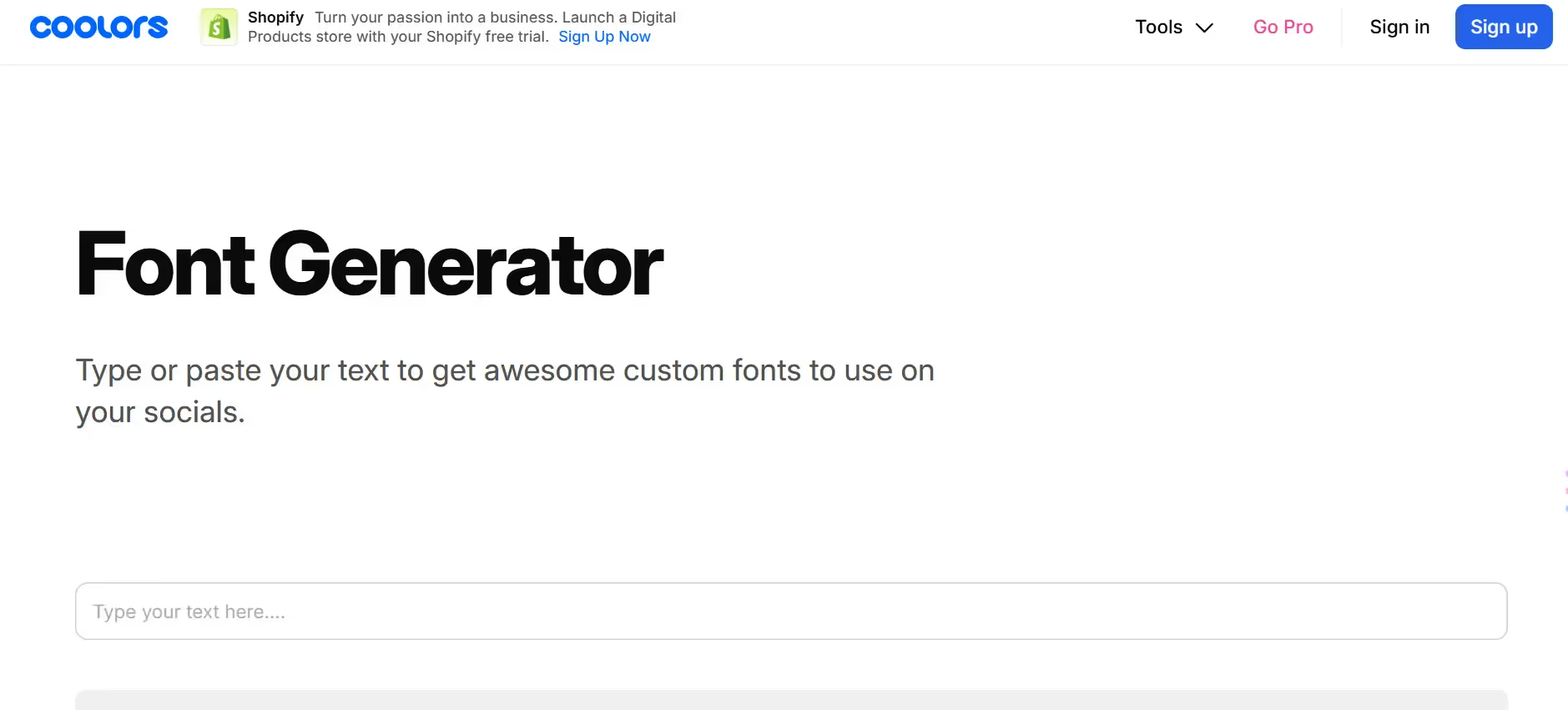
Coolors is primarily known as a color palette generator, but its font generator tool offers a different value: font-color pairing combinations. Rather than just changing your text appearance, Coolors helps you find color schemes that match certain fonts or aesthetics. This is brilliant for designers creating branded content where color and typography need to work together. You can explore beautiful font color combinations and get inspired by what's trending. It's not traditional text styling, but it's powerful for anyone thinking about the complete visual package.
Key Features:
- Font-color palette combinations that show how typography works with specific color schemes, helping you think about your complete visual design rather than text in isolation.
- Trending palettes updated regularly showing what designers are using right now, giving you current inspiration and helping you stay visually relevant for 2026 projects.
- Open Font License fonts that you can use commercially or personally without copyright restrictions, so you're free to use whatever you generate in your projects.
- Part of Coolors' larger color ecosystem, letting you generate color palettes and font recommendations together for cohesive, professional-looking branded content and designs.
- Educational resource showing different font families and their characteristics, helping you understand typography better and make smarter choices about which fonts match your brand.
7. Flyerwiz
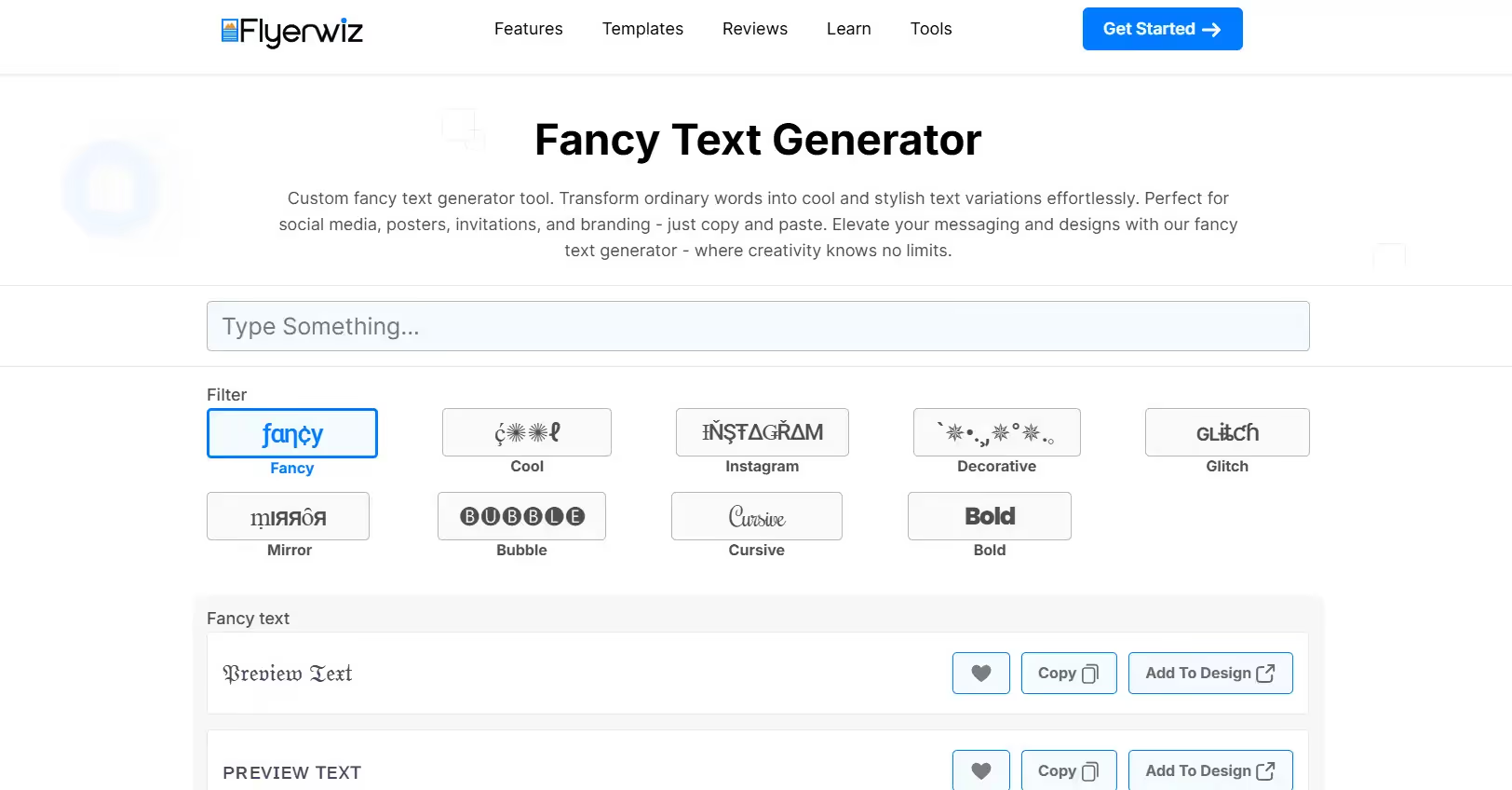
Flyerwiz approaches fancy text through its flyer design app lens. The fancy text generator here is built for people creating visual content—posters, flyers, promotional graphics. Your styled text options lean toward designs that pop on printed materials and digital graphics. You get decorative, artistic, and eye-catching variations specifically chosen to work in design layouts. The generator emphasizes how your text will look in context, not just as isolated styling. It's perfect if you're designing something for real-world use beyond just social media bios.
Key Features:
- Text styles specifically selected for flyer and graphic design use, with artistic, decorative, and eye-catching variations that work well in visual layouts and promotional content.
- Available across Android and iOS mobile apps, letting you generate stylish text on your phone while designing or creating content on the go without needing desktop access.
- Designed for branding use, with text styles that feel cohesive and professional for business, creative, and promotional work rather than just personal social media styling.
- Integration with Flyerwiz's complete flyer design tools, so you can generate text and immediately incorporate it into a finished poster, flyer, or promotional graphic without switching apps.
- Visual-first approach that shows how your styled text looks in real design layouts and contexts, helping you make choices based on actual use rather than isolated previews.
8. Meta Tags by Fontly
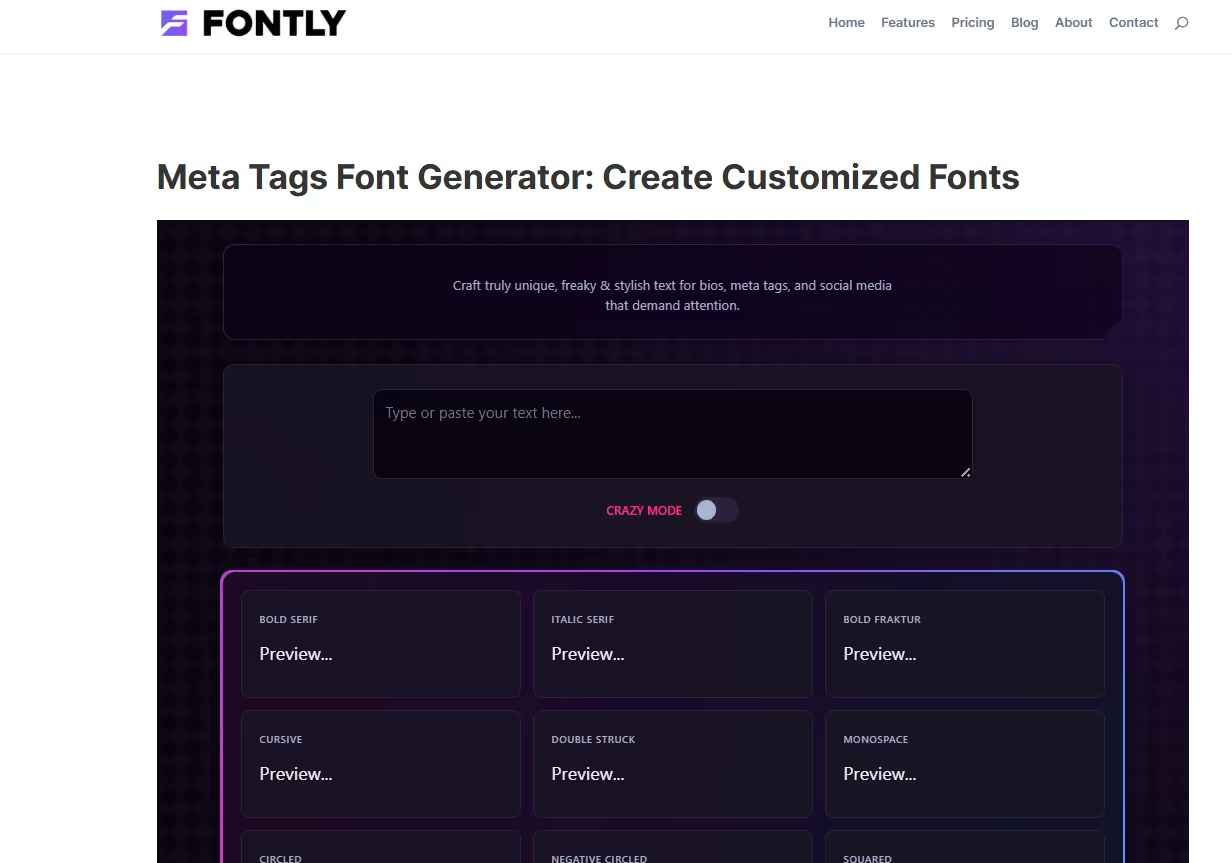
Meta Tags by Fontly is a unique entry because it's technically a meta tag preview tool, but it includes an excellent font generator as a bonus feature. The generator offers some of the most creative and unusual text styles available—zalgo text, strikethrough, upside-down text, bracket styles, and variations most other generators don't include. It's great for users who've exhausted standard options and want something truly different. The preview shows your text in real Meta Open Graph cards, which is valuable if you're crafting social media post previews. Perfect for those who need unconventional styling.
Key Features:
- Extensive collection of unusual and creative text styles including zalgo, strikethrough, upside-down, bracket variations, and experimental fonts that most other generators don't offer.
- Preview system showing how your styled text appears in actual social media Meta cards and Open Graph previews, helping you see exactly how your text will look in shared posts.
- Real-time rendering of complex text effects and layered styling that handles combinations regular generators can't manage, giving you access to more experimental typography options.
- Completely free with multiple style categories organized clearly, letting you browse and experiment without hitting paywalls or needing to create accounts or provide personal information.
- Perfect for technical users and designers who understand Unicode deeply and want access to advanced text variations that push beyond standard "fancy font" offerings.
9. FontLab
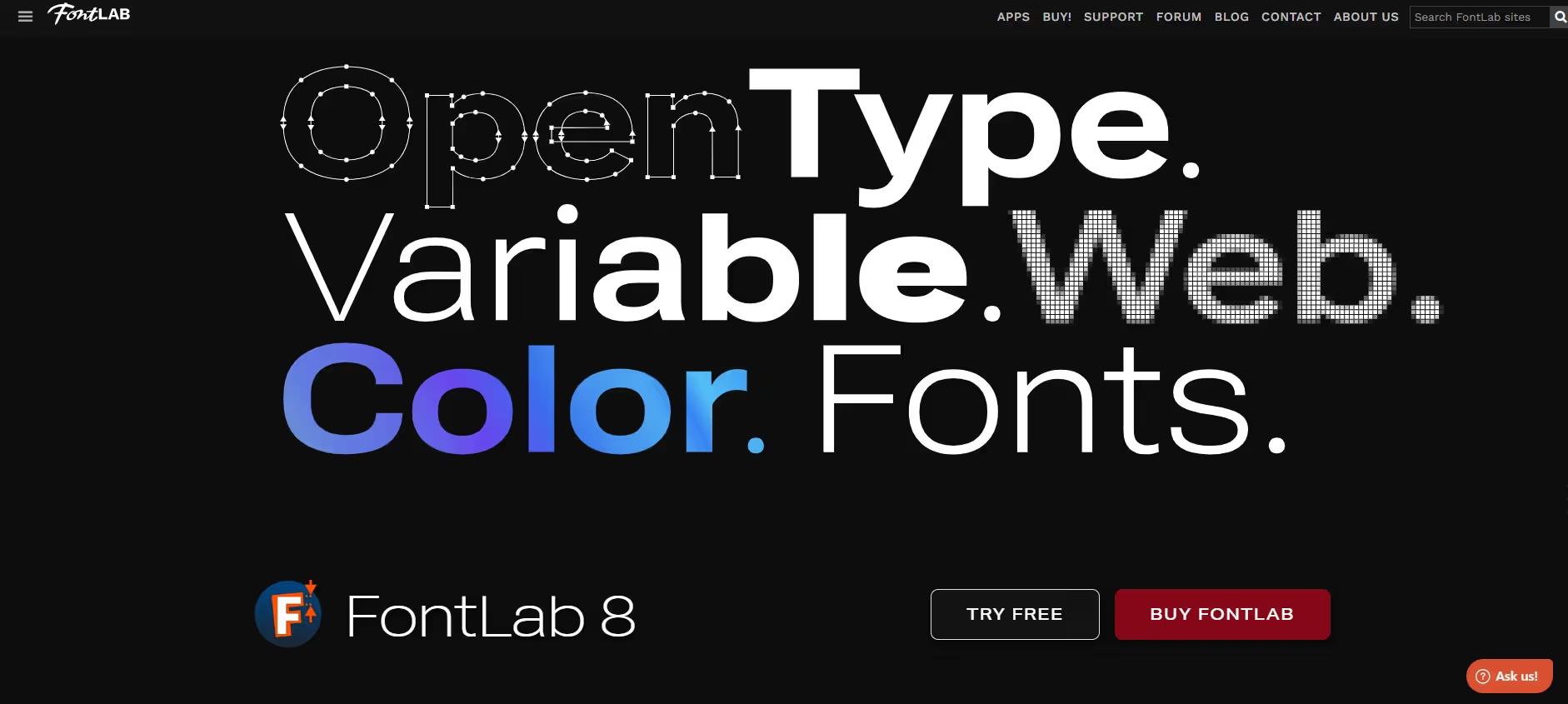
FontLab sits at the professional end of the spectrum. This isn't a quick text styler—it's serious font design and editing software used by type professionals worldwide. You create and edit OpenType fonts, variable fonts, color fonts, and web fonts for any writing system. FontLab imports sketches, photos, and AI images, converts them to vectors, and lets you design fonts from complete scratch. You can also convert font formats, organize font families, and generate production-ready files. If you're creating actual fonts rather than just styling text, FontLab is your tool.
Key Features:
- Professional-grade font creation and editing for OpenType, variable fonts, color fonts, and web fonts with full control over every detail, curve, and character in your typeface design.
- Multi-format conversion capability including PostScript and TrueType OpenType fonts, WOFF and EOT web fonts, and color font formats, letting you export fonts in any format your project needs.
- Advanced vector editing tools including precise spacing control, kerning adjustment, hinting, and shape manipulation that handles complex typography and multi-script font design.
- Image-to-vector capabilities letting you import sketches, photos, or AI images and convert them into usable font outlines through Trace and Vexy Lines tools.
- Support for any Unicode writing system including Latin, Greek, Arabic, Indic scripts, Chinese, emoji, symbols and icons, making it suitable for international and specialized typography projects.
10. RoboFont
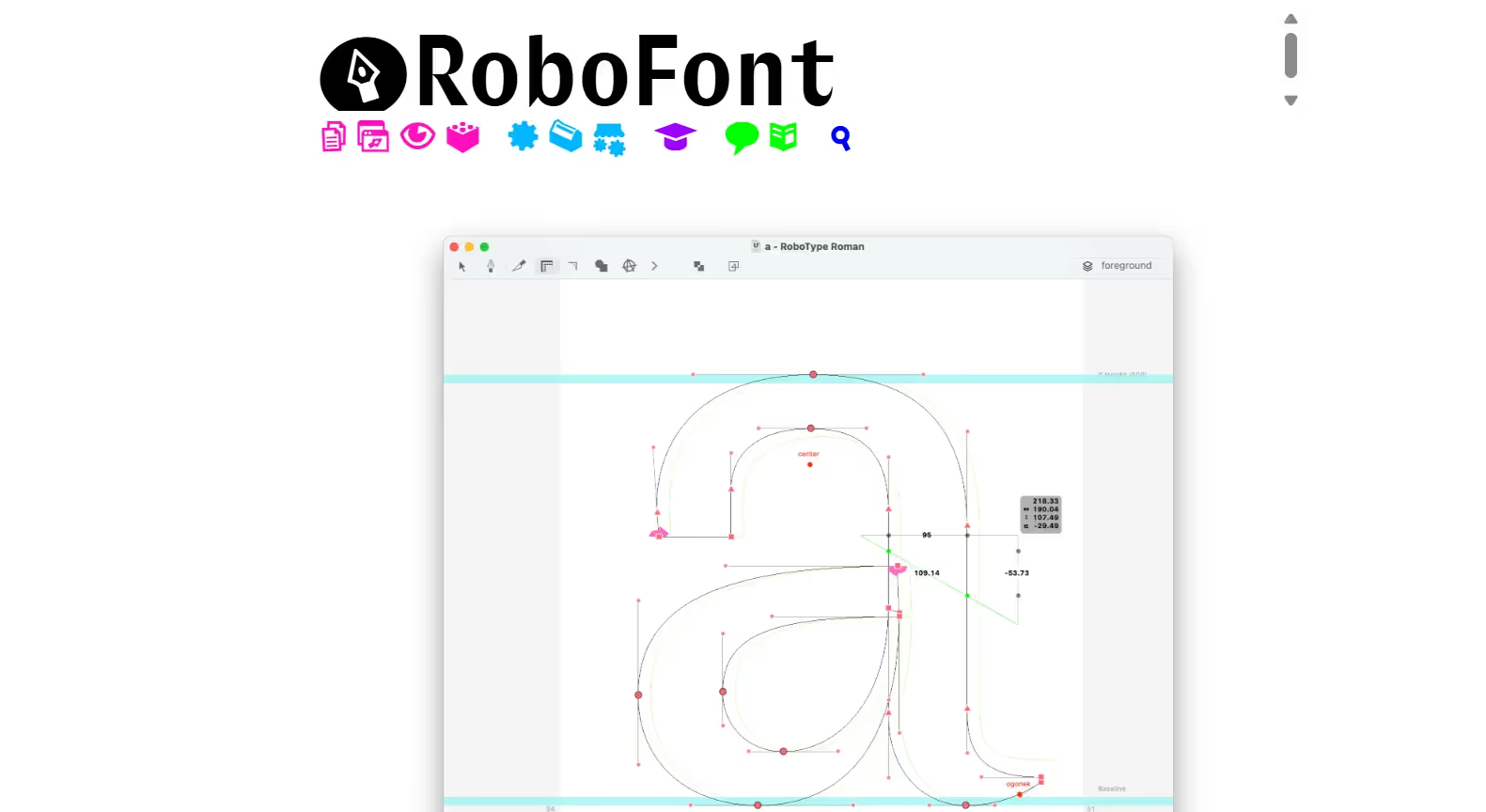
RoboFont is a specialized font editor built on Python, favored by type designers and creative coders. It's highly customizable with an extension system (accessed through Mechanics) that lets you add tools and features tailored to your workflow. You design fonts glyph by glyph, manage spacing and kerning, write OpenType feature code, and script complex font operations using Python. The learning curve is steeper, but the power is immense. RoboFont is perfect for foundries, professional designers, and anyone comfortable with code-based customization. You get granular control most other tools don't offer.
Key Features:
- Extension-based customization through Mechanics, letting you install tools like Corner Tools and develop your own extensions to personalize your font design workflow exactly to your needs.
- Python scripting capabilities that let you automate complex font operations, batch-process glyphs, modify fonts programmatically, and build custom tools beyond the base software.
- Professional spacing and kerning tools including Space Center for adjusting metrics and Kern Center for creating and previewing kerning pairs with real-time visual feedback.
- Glyph organization through Font Overview visualization, Groups Editor for creating font-specific glyph groups, and Smart Sets that filter glyphs based on search queries or names.
- OpenType feature code editing and preview, letting you write advanced typographic features like ligatures, contextual substitutions, and stylistic alternates with immediate preview feedback.
11. Glyphs Mini
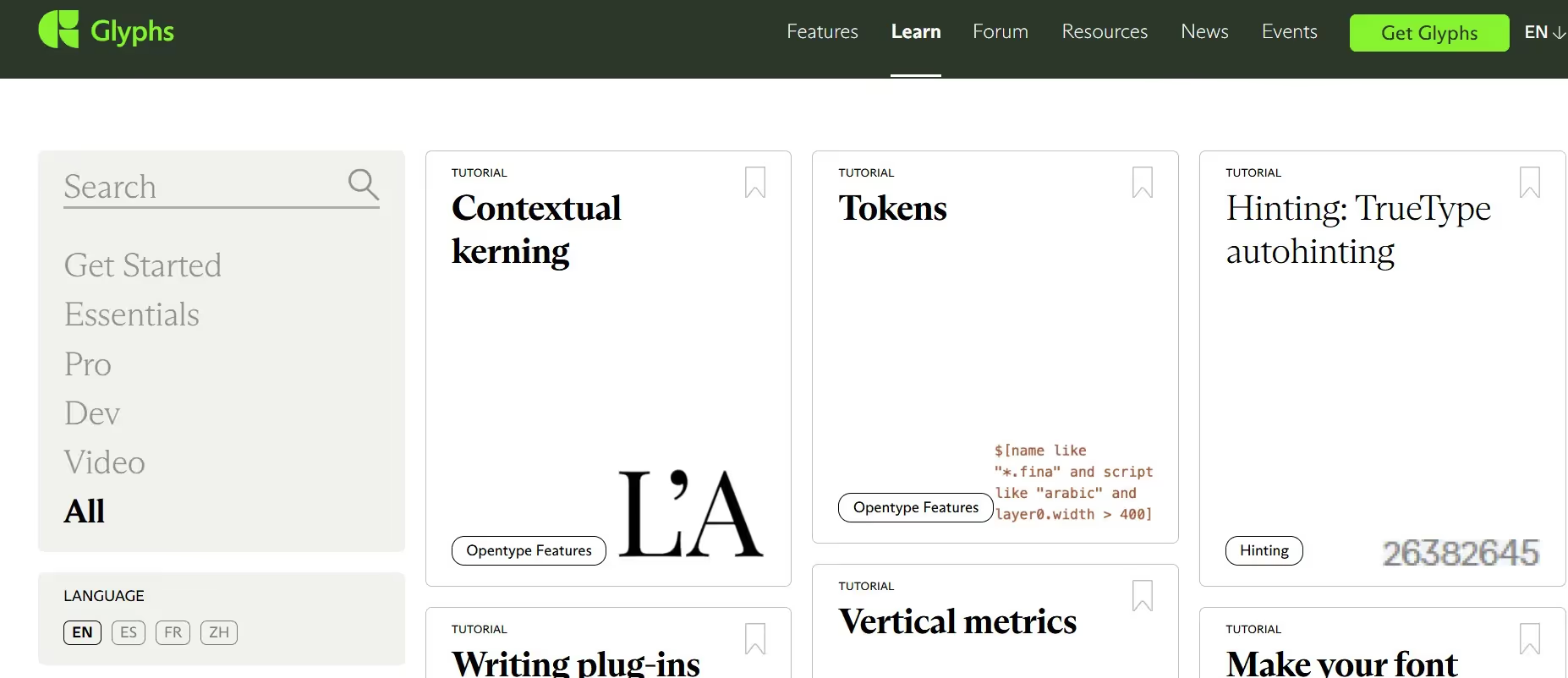
Glyphs Mini is the lightweight sibling to the full Glyphs app, designed for macOS. It's an actual font editor, not a text styler. You draw, design, and create fonts from scratch or edit existing typefaces. The vector editing is powerful—create glyphs with precise curves, use components for reusable shapes, apply filters for batch transformations, and export finished fonts as OTF or WOFF. Glyphs Mini handles single-master designs and includes built-in filters like Hatch Outline, Offset Curve, and Round Corners. You can import existing fonts and SVG files, making it flexible for converting artwork to fonts or modifying existing typefaces.
Key Features:
- Professional vector editing with precise curve control, node manipulation, alignment tools, and path operations that let you create clean, production-quality glyph outlines with exact specifications.
- Glyph components and auto-aligning that let you reuse shapes across multiple glyphs, keeping your font consistent while cutting design time significantly compared to redrawing each letter.
- Built-in filter collection including Hatch Outline, Offset Curve, Round Corners, and Transformations that let you apply complex shape modifications to single glyphs or entire fonts in one action.
- Import-export flexibility letting you bring in OTF and TTF fonts, drag-drop SVG images directly into glyphs, or paste Adobe Illustrator outlines for easy artwork conversion to typography.
- Font metric controls for ascenders, descenders, x-height, stem widths, italic angles, and other font-wide settings, plus detailed glyph name and style linking management for production fonts.
12. TextGenerator
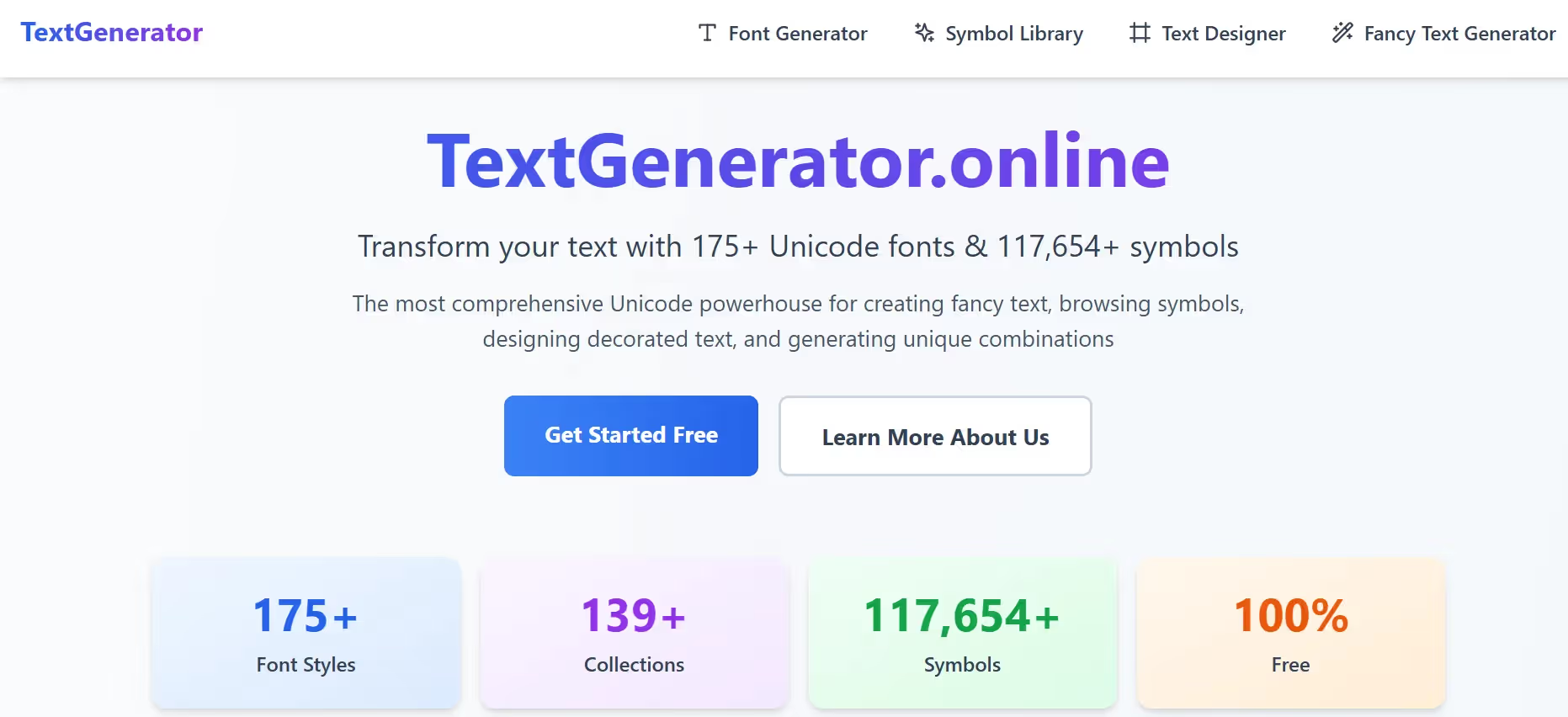
TextGenerator packs 175+ Unicode fonts and 117,000+ symbols into one powerhouse tool. This goes beyond basic styling with four specialized generators: Font Generator for text conversion, massive Symbol Library for decoration, Text Designer for ASCII art frames, and Fancy Text with semantic symbol matching. Type "love music" and it auto-adds hearts and notes. Real-time previews work instantly in-browser. Perfect for creators needing deep customization without complexity.
Key Features:
- 175+ Unicode font styles plus 117,000+ symbols across 139 collections for endless combinations beyond standard generators.
- Semantic symbol matching that analyzes your text content and auto-suggests relevant emojis/decorations for smarter styling.
- ASCII Text Designer creates framed boxes, banners, and decorative patterns around your styled text for visual impact.
- Zero processing lag with browser-based generation and instant copy buttons for all major social platforms.
- Mobile-optimized interface that handles long text inputs without breaking on phones or tablets.
13. Fotor
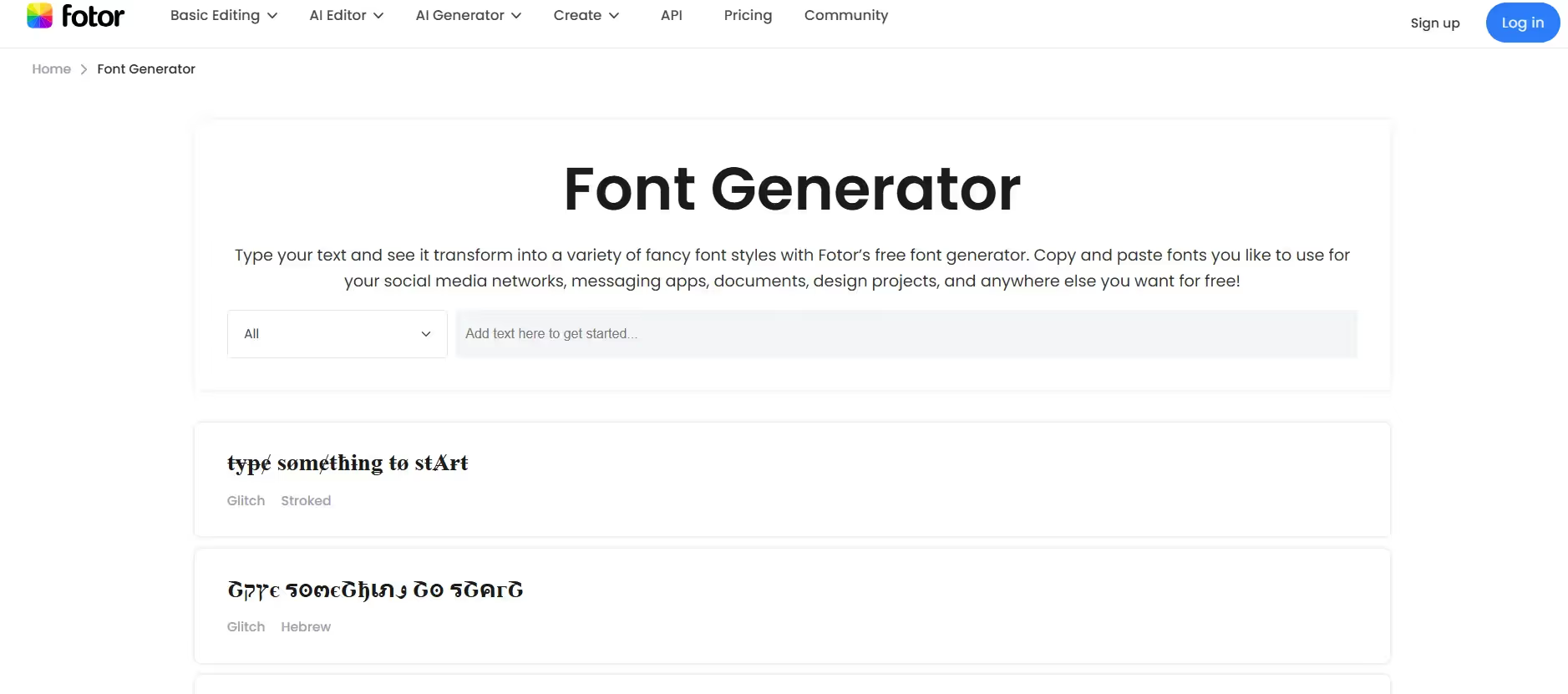
Fotor bridges simple text generators and full design suites. Generate 100+ stylish fonts, then drag your text into templates for Instagram Stories, TikTok thumbnails, or banners. No sign-up needed. Add glows, shadows, gradients directly to styled text. The clean interface shows large previews with color picker integration. Export as graphics or copy plain Unicode text. Ideal when your styled text needs to become a complete visual post.
Key Features:
- 100+ Unicode font styles with seamless transition to Fotor's design templates for complete social graphics.
- Built-in effects panel for glows, shadows, outlines, and color gradients applied to any styled text instantly.
- Template library integration so generated text auto-populates into Instagram/TikTok-ready designs.
- Mobile app available for phone-based creation with touch-friendly previews and one-tap exports.
- Free unlimited use with no watermarks on text exports or graphic downloads for commercial projects
Conclusion
The right font generator depends on what you need. If you want instant results for social media, the copy-and-paste generators like LingoJam and Picsart handle it beautifully. If you're designing actual fonts or need professional customization, FontLab, RoboFont, or Glyphs Mini deliver the power. For most people—those wanting styled text that stands out without complexity—the tools in this guide give you everything you need.
Start simple, experiment with styles, and pick what matches your workflow. Your text will stand out, your audience will notice, and your brand gets stronger. Pick a font generator and start styling.
Best Font Generators FAQs
What is a font generator and how does it work?
A font generator converts your regular text into stylized versions using Unicode characters or actual font files. Most copy-and-paste generators replace your standard letters with different character sets that look fancy, bold, or decorative. You type text, select a style, copy the output, and paste it anywhere online. Professional generators like FontLab and Glyphs Mini actually create new fonts from scratch using vector editing. Both approaches transform plain text into something visually distinctive that catches attention.
Which font generator works on all social media platforms?
Unicode-based generators like LingoJam, Picsart, and Pixelied work on virtually all major platforms including Instagram, TikTok, Facebook, Twitter, Discord, and YouTube. These tools generate text using standard Unicode characters that display consistently across different websites and apps. Some fancy styles might render differently depending on which fonts a platform supports, so test your styled text on your target platform before posting. When you find a style that works, you can copy and paste it everywhere without compatibility issues.
Can I use generated fonts for commercial projects?
This depends on the generator. Copy-and-paste Unicode text generators are fine for commercial use since you're not actually using fonts—you're using standard text characters. Coolors specifically offers Open Font License fonts that allow commercial use. Professional generators like FontLab, RoboFont, and Glyphs Mini let you create fonts you own completely. Always check the license terms for any specific generator or downloaded font file before using it commercially to avoid legal problems.
What's the difference between a font generator and a font editor?
A font generator typically creates styled text quickly using pre-made options or generates new variations automatically. A font editor is software where you design fonts manually, glyph by glyph, with full control over every detail. Copy-and-paste generators are pure generators. Tools like FontLab, RoboFont, and Glyphs Mini are editors—they give you complete creative control but require learning and skill. Pick a generator for quick results or an editor if you're building custom typefaces from scratch.
Do font generators work on mobile phones?
Yes, many work great on mobile. LingoJam, Picsart, and Pixelied are fully mobile-friendly with responsive interfaces that work on phones and tablets. Flyerwiz offers native Android and iOS apps. Some generators render slightly differently on mobile browsers, so test how your styled text looks on the device where you'll post it. Mobile users make up the bulk of social media traffic, so checking mobile appearance before posting matters more than desktop nowadays.
How do I choose between Unicode text and downloadable fonts?
Use Unicode text (from copy-and-paste generators) for social media bios, comments, captions, and anywhere you need instant styling without downloads. It works everywhere and requires zero setup. Download actual fonts (from FontLab, Glyphs Mini, or font libraries) when you're creating graphics, designing websites, building presentations, or working on projects where you need consistent typography you control completely. Unicode text is quick and convenient; downloadable fonts offer design flexibility and professional consistency.


%201.svg)


.avif)

.avif)


