


TikTok's watermark might look cool on the app, but it's a real pain when you want to repost videos elsewhere. Whether you're moving content to YouTube, Instagram, or your personal projects, that bouncing "TikTok" logo and creator tag just get in the way. The good news? You can remove TikTok watermark instantly without complicated editing software. There are solid tools out there that detect and clean up watermarks automatically while keeping your video looking sharp. In this guide, we've tested the top solutions to remove TikTok watermark so you can pick the one that works best for you and your workflow.
What are TikTok Watermark Removers?
TikTok watermark removers are online tools powered by AI that scan your images and videos and detect the platform's logo, text overlays, and watermarks. Once identified, the software removes these marks automatically while filling in the space behind them. The AI looks at the surrounding pixels and colors to blend the edited area so it looks natural and unedited. The end result? A clean video without the TikTok branding that caused all the trouble in the first place.
Most of these tools work directly in your browser, so you don't need to download any software or deal with complicated desktop programs. You upload your video, select the watermark area if needed, and download the cleaned version in seconds. Some tools also let you batch process multiple videos at once, which saves serious time if you're managing a bunch of content.
How to Remove TikTok Watermarks
Removing TikTok watermark isn't as hard as it sounds. Most tools follow the same basic process, but there are a few different approaches depending on what you need.
Upload and Let AI Do the Work
The easiest way to remove TikTok watermark is to upload your video and let the AI handle detection automatically. You paste your video file into the tool, and the software scans the entire clip to find watermarks, logos, and text overlays. The AI identifies these elements and removes them without you having to manually select anything. This hands-off approach works great if you've got multiple videos to process and need results fast.
Manual Selection for Precision
If you want more control, you can manually select the watermark area yourself. You'll use a brush tool or click-and-drag box to highlight exactly where the watermark is. This method gives you the option to fine-tune the removal process. If the AI missed a spot or you need to adjust the edges, you can brush over those areas to get a perfect result. It takes a bit longer than the automatic method, but you get exactly what you want.
Preview and Download
Before you finalize anything, most tools let you preview the results in real-time. You can see exactly how the video looks after the watermark gets removed. If something doesn't look right, you can go back and adjust. Once you're happy with how it looks, you download the clean video to your device. Most tools support common video formats like MP4, MOV, and AVI, so compatibility isn't an issue.
How to Choose the Best TikTok Watermark Removers
Not all watermark removal tools are the same. Some are faster, others give better quality, and a few excel at specific types of watermarks. Here's what to look for when you're picking the right one for your needs.
- AI Detection Accuracy – The tool should spot watermarks automatically without you having to manually paint or select areas. Better AI means fewer mistakes and faster processing. Look for tools that specifically mention AI-powered detection or smart watermark identification.
- Video Quality Output – Check if the tool preserves 4K resolution or at least outputs in HD. A good remover shouldn't introduce blur or pixelation after it cleans the watermark. You want your video looking as sharp as it did before, just without the logo.
- Multiple Format Support – Make sure the tool accepts MP4, MOV, AVI, and other common video formats. Some tools are limited to specific file types, which can be frustrating. You'll want flexibility if you're dealing with videos from different sources or devices.
- Batch Processing Capability – If you're removing watermarks from several videos, batch processing saves you hours of repetitive uploading and downloading. Some tools let you process 3, 5, or even more videos at once, which speeds things up significantly.
- Ease of Use – The tool should work in your browser without requiring downloads or technical knowledge. A clean interface with clear steps makes the whole process smoother. You shouldn't need to watch tutorials or figure out complicated settings to remove TikTok watermark.
- Speed and Performance – Fast processing means you get your cleaned video in seconds, not minutes. Tools that can finish the job in under 5 seconds are ideal. If you're working with longer videos, that time difference adds up quickly.
- Cross-Platform Compatibility – The tool should work on Windows, Mac, iPhone, and Android. Whether you're editing on desktop or mobile, you want access to remove TikTok watermark from anywhere without installing anything.
10 Best TikTok Watermark Removers in 2026
If you want to know how to remove TikTok watermarks, then you should start using these AI tools. Here are ten of the best Tiktok watermark removers in 2026:
1. Smartli
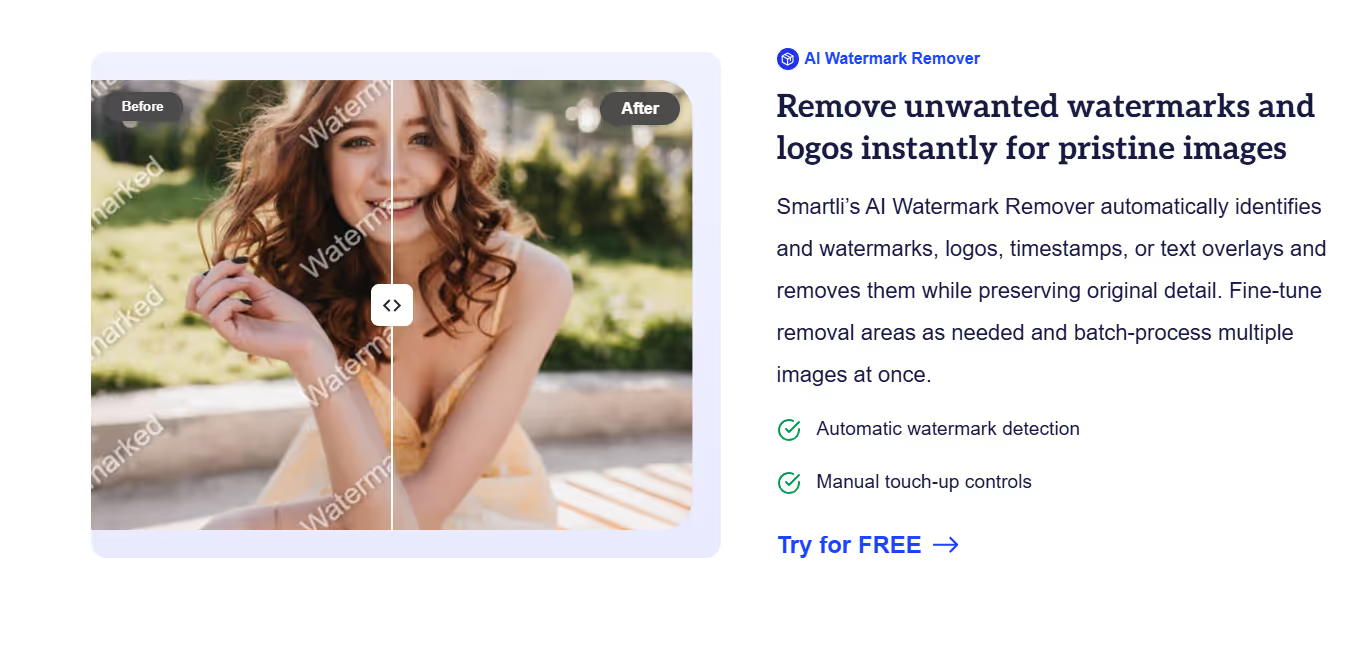
Smartli is an all-in-one AI platform built for creators and marketers who deal with lots of visual content. The watermark remover automatically identifies logos, timestamps, watermarks, and text overlays on images and videos. It scans the entire frame, finds the unwanted marks, and removes them while keeping the surrounding details intact. What makes Smartli stand out is its batch processing feature—you can clean up multiple images at once, which saves hours when you're managing content across multiple projects or platforms. The tool doesn't sacrifice quality either, preserving original detail and color accuracy after removal.
Key Features
- AI-powered automatic watermark detection that scans images and videos in seconds without manual selection required. The tool identifies logos, text, and timestamps with precision to ensure comprehensive removal.
- Batch processing support allowing you to remove watermarks from multiple images simultaneously. This feature is perfect for content creators and e-commerce sellers who manage large volumes of product photos.
- Preserve original image quality and detail while removing watermarks, with options to enhance to HD for cleaner final results. The AI fills in removed areas naturally without leaving traces.
- Fine-tune removal areas manually using the brush tool if the automatic detection misses spots. You get full control to adjust edges and blend areas seamlessly.
- Compatible with multiple image formats including JPG, PNG, and HEIC, making it versatile for different content sources. It removes watermarks and works smoothly across desktop and mobile browsers.
2. X-Design
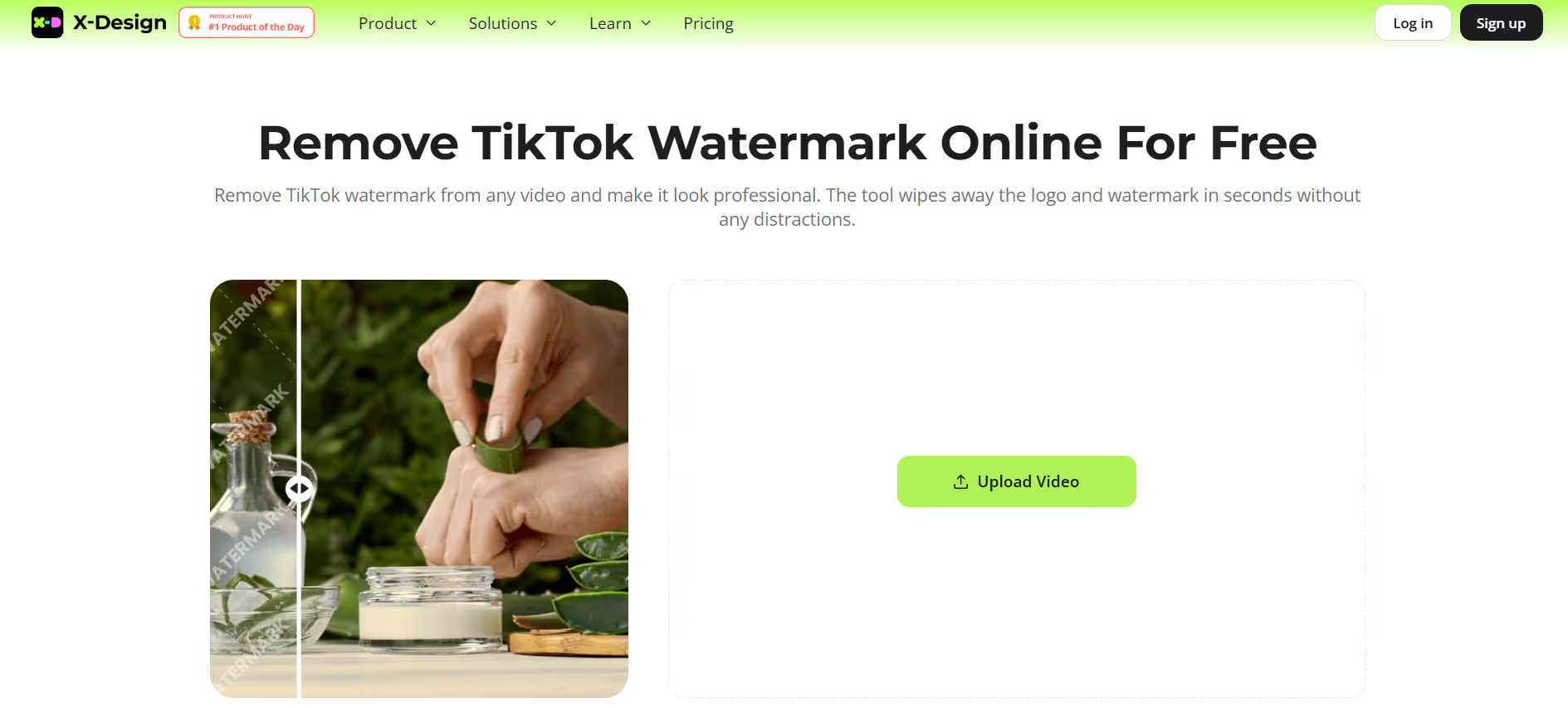
X-Design specializes in making TikTok watermark removal simple and fast. The tool uses AI technology to detect the bouncing TikTok logo and other overlays, then erases them without affecting the rest of your video. You get real-time preview of the removal process, so you can see exactly how the video looks before downloading. The platform works across all devices and doesn't require any software installation. X-Design keeps your video quality intact at 4K resolution, which means your content stays sharp and professional-looking even after removal.
Key Features
- Real-time preview functionality lets you see changes as they happen, giving you immediate feedback on watermark removal quality. This helps you decide whether to keep the result or make adjustments.
- Advanced AI technology that removes TikTok logos without affecting video quality or introducing blur. The tool preserves sharpness and colors while seamlessly erasing the watermark from every frame.
- Support for multiple video formats including MP4, MOV, and M4V, with output up to 4K resolution. Your videos maintain their original quality and can be used on any platform immediately.
- User-friendly interface designed for creators of all skill levels with zero technical requirements. Upload, erase, preview, and download in minutes without any learning curve.
- Cross-platform compatibility working on desktop, mobile, and tablet without needing app downloads or installations. Access from any device using any browser instantly.
3. SSSTik.io

SSSTik.io is primarily known as a TikTok downloader that removes watermarks during the download process. When you paste a TikTok video link into SSSTik, the tool downloads the video clean and watermark-free in 1080p resolution. This approach is different from editing—you're essentially saving a watermark-free version before it ever hits your device. It works on all devices including PC, tablet, iPhone, and Android. SSSTik is completely free and doesn't ask for any personal information or account creation. The download happens instantly without waiting or processing delays.
Key Features
- High-quality downloads at 1080p resolution without any watermarks or platform logos attached. Videos are saved clean and ready for reposting or editing on other platforms immediately.
- No software installation required—everything happens in your browser through a simple paste-and-download process. Copy the TikTok link, paste it into SSSTik, and get your video in seconds.
- Cross-platform compatibility working seamlessly on PC, Mac, tablet, iPhone, and Android devices. Whether you're on desktop or mobile, SSSTik delivers the same fast, clean download experience.
- Completely free to use with no hidden charges, account requirements, or registration needed. Just visit the site, paste the link, and download as many videos as you need.
- Trusted by millions of users globally who rely on SSSTik for watermark-free TikTok downloads. Fast download speeds and reliable service make it a go-to choice for creators managing content libraries.
4. HitPaw
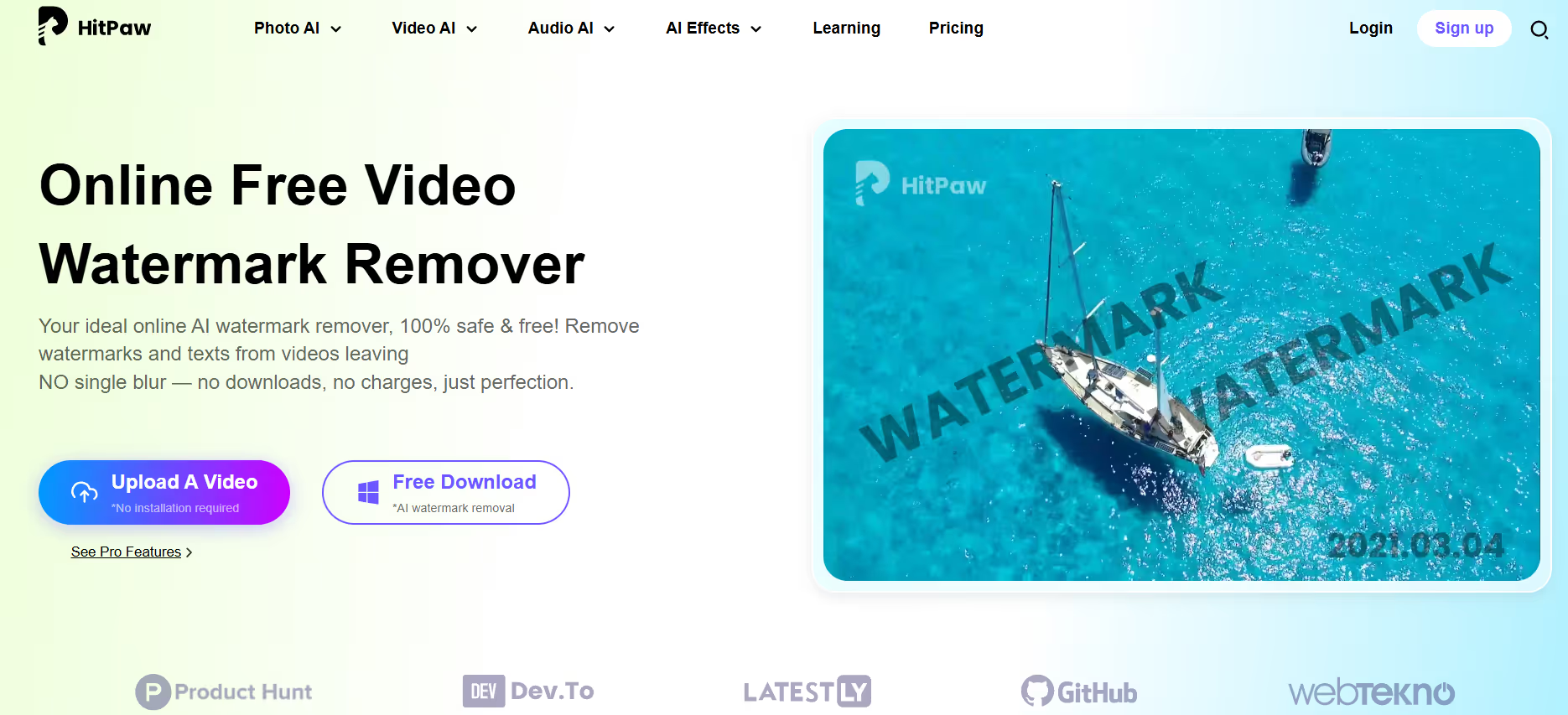
HitPaw's online watermark remover is a powerful AI tool that erases watermarks, logos, text, and unwanted objects from videos in 3 simple steps. The tool removes TikTok watermark and delivers results in under 5 seconds with zero blur or quality degradation. HitPaw works on any device—Windows, Mac, iPhone, or Android—without requiring downloads or technical skills. The platform is 100% secure with no viruses or ads, keeping your uploaded files visible only to you. HitPaw supports multiple video formats including MP4, MOV, AVI, and more, with HD output that maintains professional quality.
Key Features
- One-click watermark removal that works in 3 steps with instant results in under 5 seconds. Upload your video, select the watermark, and download—no complicated settings or manual adjustments needed.
- 100% secure connection protecting your files with encryption so only you can view and edit uploaded content. Your privacy is protected throughout the entire watermark removal process.
- Support for 5+ video formats delivering HD output with clear, professional results after removing TikTok watermark. Videos maintain sharpness and quality suitable for reposting across any platform.
- Works seamlessly on any device including Windows PC, Mac, iPhone, and Android without app installation. Access from your browser instantly whether you're on desktop or mobile.
- No viruses or intrusive ads interrupting your workflow, with a clean interface focused on quick watermark removal. The tool stays lightweight and fast even when processing multiple videos.
5. EZRemove

EZRemove is an AI-powered video watermark remover that combines intelligent detection with manual precision tools. You can brush over watermarks, and the AI assists by detecting edges and blending colors naturally. The tool reconstructs backgrounds smoothly so your video looks untouched. EZRemove keeps videos sharp at 4K quality without blur or pixelation. Files are processed locally in your browser for security and privacy—nothing gets stored on servers. You can use EZRemove on any device including smartphones without installing an app.
Key Features
- AI-assisted brush tool that detects edges and blends colors automatically as you highlight watermark areas. This hybrid approach gives you control while letting AI handle the precision work for natural-looking results.
- 4K quality preservation ensuring videos remain sharp and detailed after watermark removal. No blur, pixelation, or quality loss—your final video looks professional and ready for any platform.
- Local browser processing keeping your videos private and secure without uploading to external servers. Files are automatically deleted after processing, protecting your content and privacy.
- Batch processing capability allowing you to remove watermarks from multiple videos simultaneously. This saves hours when managing large content libraries or multiple projects.
- Works on any device including smartphones without needing app downloads or technical knowledge. Access EZRemove through your browser from desktop, tablet, or mobile instantly.
6. Vmake
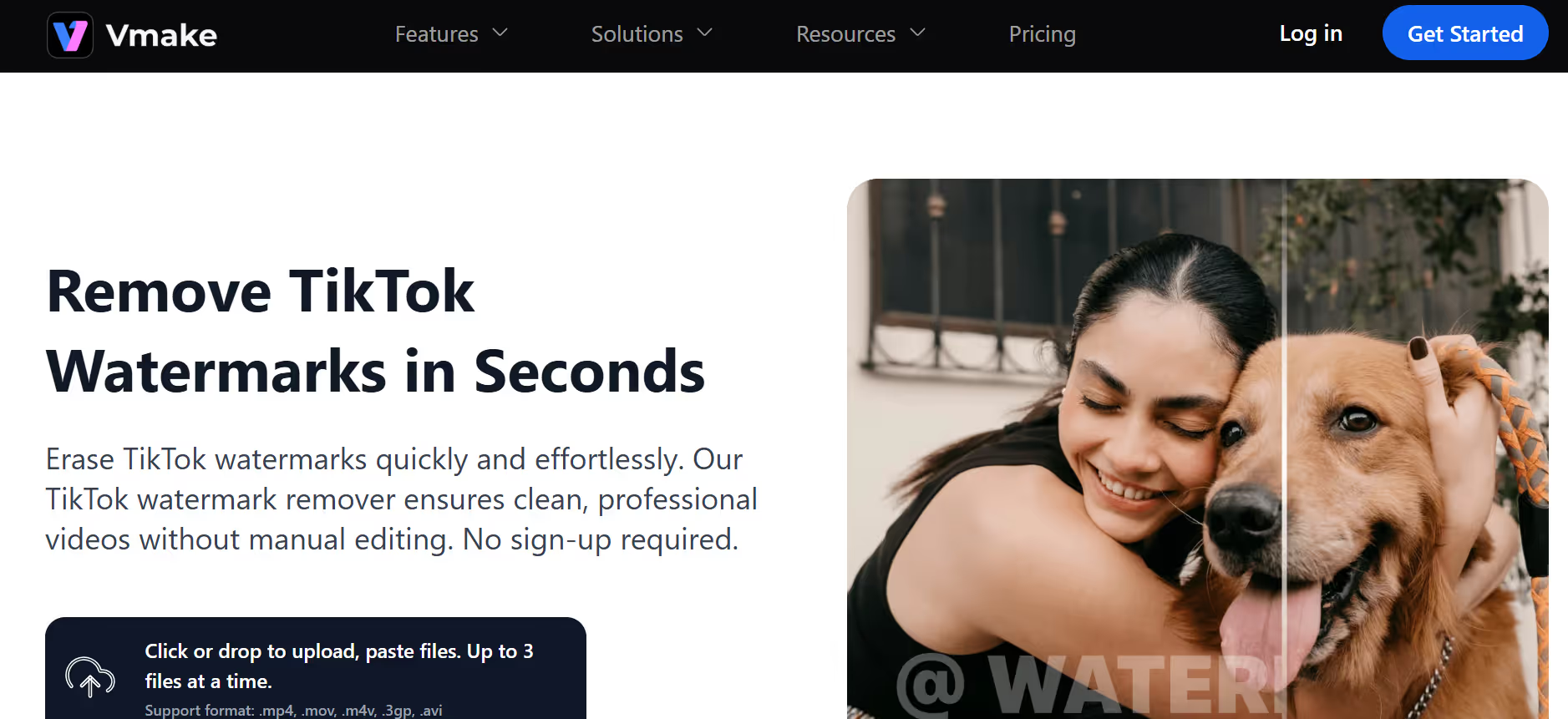
Vmake specializes in TikTok watermark removal with AI that automatically identifies and removes moving watermarks, logos, and text overlays. You can upload multiple videos (up to 3 at once) for batch processing without quality loss. Vmake works with all major video formats including MP4, AVI, HD, and 4K across different aspect ratios. The platform is web-based, so you edit on desktop, mobile, or tablet without installing apps. AI-powered detection makes the process faster and more accurate than manual brushing, and the results stay crisp without blur.
Key Features
- AI-powered automatic detection that identifies moving TikTok watermarks more accurately than manual brush tools. The AI spots watermarks in every frame and removes them consistently throughout the video.
- Bulk processing handling up to 3 videos at once for efficient batch watermark removal. Perfect for content creators managing multiple TikToks or repurposing collections of videos.
- Universal format support including MP4, AVI, HD, 4K, and various aspect ratios for seamless repurposing. Videos maintain their original quality and can be shared across any platform without compatibility issues.
- Web-based platform working on desktop, mobile, and tablet without requiring app downloads or installations. Edit from anywhere using any browser and any device instantly.
- No quality loss during watermark removal keeping videos sharp and clear for professional use. The tool preserves color accuracy and resolution so your content looks exactly as intended.
7. Pixelbin

Pixelbin offers a free AI watermark remover that detects and removes watermarks, logos, text, and even complex marks blended into images. The tool works on photos in JPG, PNG, HEIC, PDF, and WEBP formats. Pixelbin automatically scans images without manual steps needed, but you can also use the AI magic brush to fine-tune any remaining marks. The platform processes bulk orders efficiently, making it ideal for teams and businesses managing large volumes of photos. Quality stays sharp and detailed throughout the removal process.
Key Features
- Smart AI detection that removes logos, text, and complex watermarks blended into images automatically. The tool analyzes patterns and transparency to ensure consistent results every time without manual selection.
- Magic brush tool for precise adjustments allowing you to touch up any remaining marks after automatic removal. You get full control over the final result while AI handles the heavy lifting.
- Bulk watermark removal supporting thousands of images at once while maintaining quality and consistency. Perfect for businesses, agencies, and creators managing large photo libraries.
- Free plan including 15 GB storage and 45 monthly credits to get started immediately. Premium plans scale for larger projects with more storage and processing power.
- Mobile app for iOS and Android letting you remove watermarks on the go from any smartphone. Carry watermark removal anywhere and prepare images instantly from your phone.
8. Media.io
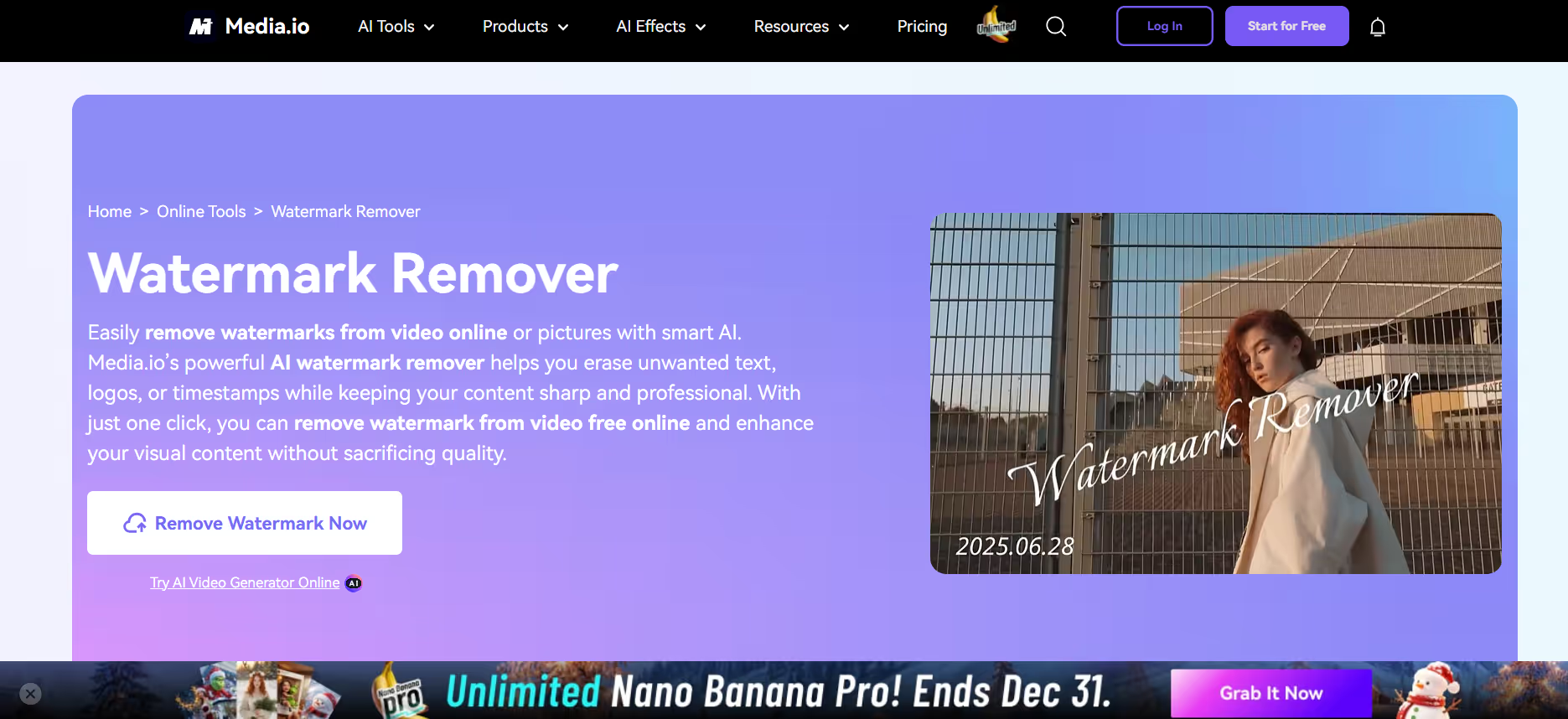
Media.io provides an AI watermark remover that erases logos, text, and TikTok watermarks from videos in HD quality. The tool works for TikTok, YouTube, Instagram, and other platforms. Media.io accepts all standard video formats including MP4, MKV, MOV, WMV, AVI, and more. The platform is web-based with cross-platform support on Android, iPhone, iPad, Windows, Mac, and Linux. AI smart detection automatically identifies watermark areas, saving you time and effort. Media.io also includes a powerful video editor with trimming, auto subtitling, AI effects, and background music.
Key Features
- AI smart detection automatically identifying and removes watermark areas without manual painting or selection. The tool scans your entire video and erases marks seamlessly while preserving background detail.
- Remove TikTok watermark without quality loss keeping videos sharp in HD without blur. The AI reconstructs colors and motion to maintain full clarity for professional-looking results.
- All-round video format support including MP4, MKV, MOV, WMV, 3GP, FLV, AVI, and more. Works with videos from any source or platform instantly without format conversion needed.
- Powerful video editor bundled with watermark removal offering trimming, auto subtitling, AI effects, stickers, and background music. Go beyond watermark removal with complete editing capabilities in one platform.
- Cross-platform web-based tool working on Android, iPhone, iPad, Windows, Mac, and Linux without installing software. Access from any device using any browser instantly.
9. VisualGPT
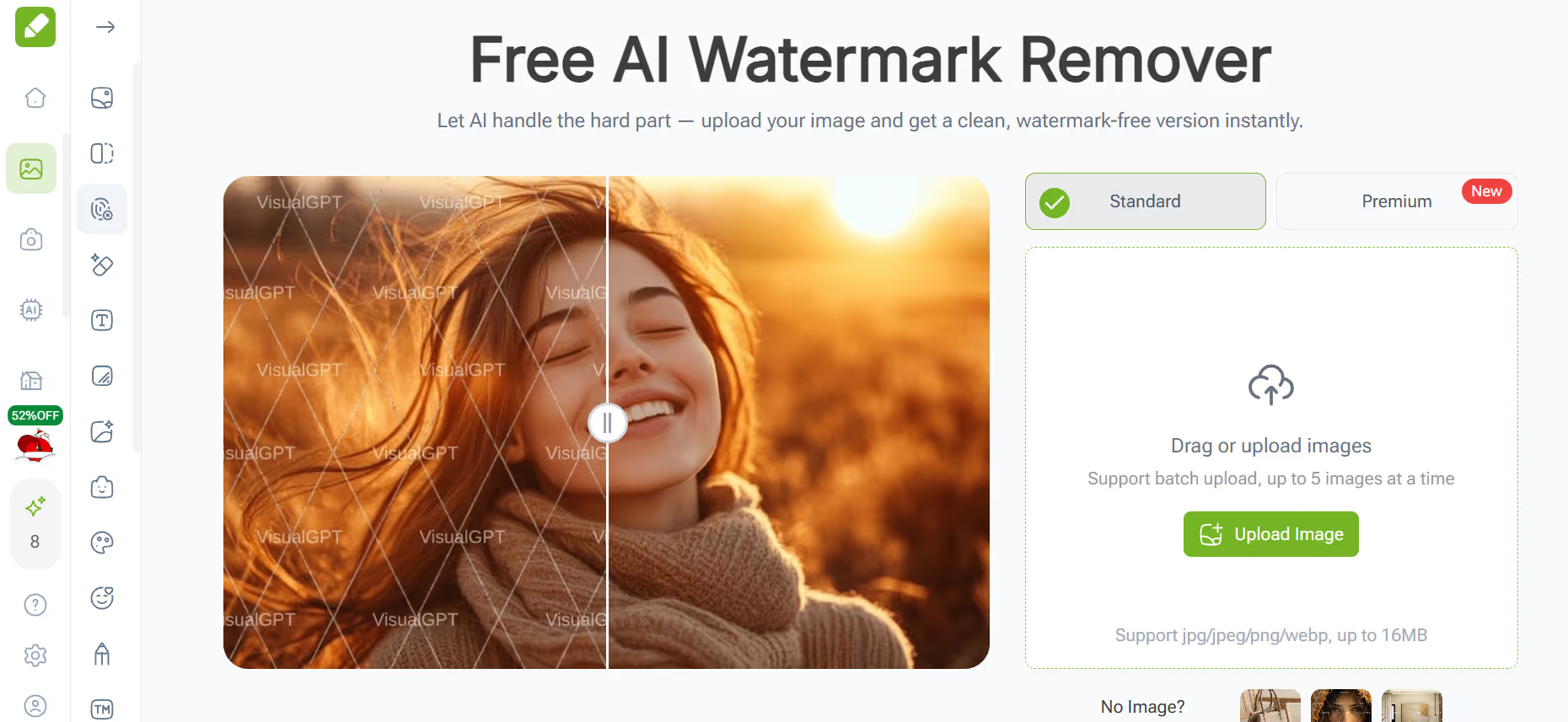
VisualGPT is an AI watermark remover designed for graphic designers, photographers, and anyone working with reference images. The tool removes full-screen watermarks automatically while keeping all the image details intact. VisualGPT saves time compared to manual fixing because you don't need advanced editing skills. The AI analyzes watermark patterns and removes them without distorting the underlying image. This tool is free and requires no sign-up to get started.
Key Features
- AI-powered automatic detection removing full-screen watermarks without requiring manual editing skills. The tool analyzes patterns and texture to erase watermarks cleanly and naturally.
- Time-saving automatic removal ideal for graphic designers and photographers managing multiple reference images. Process batch jobs without spending hours on manual watermark cleanup.
- Detail preservation keeping image sharpness and color accuracy after watermark removal. Your images look untouched and professional-quality ready for design projects or portfolios.
- Free to use with no sign-up required to get started instantly. No hidden charges or subscription fees for basic watermark removal functionality.
- Suitable for personal and commercial projects from design reference to portfolio preparation. Streamline your workflow and focus on creativity rather than tedious editing tasks.
10. Wink AI
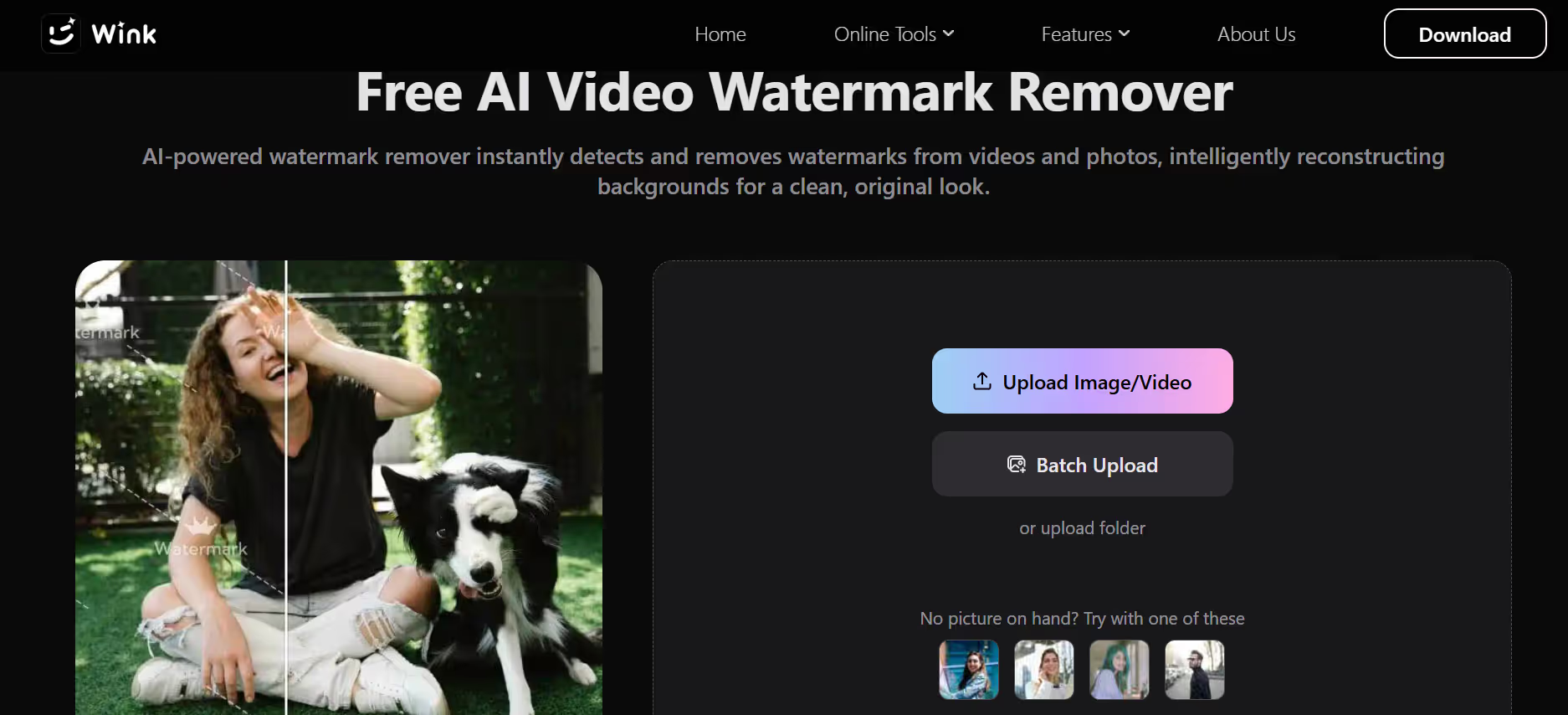
Wink is a comprehensive video editor with built-in watermark removal powered by AI. The tool includes cropping, blur tool, and clone stamp tool options for flexible watermark handling. Wink works on mobile and desktop, making it perfect for creators editing on any device. The platform offers multiple editing functions beyond watermark removal including filters, templates, and video enhancements. Wink's watermark remover handles moving watermarks and complex logos effectively.
Key Features
- Multiple removal methods including cropping, blur tool, and clone stamp tool for flexible watermark handling. Choose the approach that works best for your specific watermark type and video content.
- Mobile and desktop compatibility letting you edit videos on iPhone, Android, or computer. Full feature access across all devices without downloading separate apps or software.
- Comprehensive video editor bundled with watermark removal offering filters, templates, transitions, and effects. Go beyond watermark removal with complete editing tools in one app.
- AI-assisted clone stamp tool that detects surrounding areas and blends watermark removal naturally. The AI handles precision work while you maintain control over the editing process.
- Suitable for moving watermarks and complex logos that other simple tools struggle with. Advanced removal capabilities make it ideal for professional-quality results.
Conclusion
Removing TikTok watermark from your videos is straightforward when you use the right tool. Whether you want automatic AI detection or manual control over the removal process, there's a solution that fits your needs. The tools listed here all deliver clean results without blur or quality loss, work across devices, and process videos in seconds. Pick one based on your budget, the types of watermarks you're dealing with, and whether you need to process multiple videos at once. Your repurposed content will look professional and polished on any platform. Try Smartli today!
How to Remove TikTok Watermark FAQs
How do I remove TikTok watermark from my videos?
Upload your video to a watermark remover tool, let the AI detect the TikTok logo automatically, and download the clean version. Most tools take just 3 steps and finish in seconds. No technical skills or software installation needed—everything happens in your browser.
Can I remove TikTok watermark without losing video quality?
Yes. Quality watermark removal tools use AI to erase marks while preserving video sharpness at 4K resolution. The AI reconstructs background areas naturally so your video looks untouched. Choose tools specifically designed for HD or 4K output to ensure your content stays professional.
Is it legal to remove TikTok watermark from videos?
Removing watermarks from your own content is fine. For videos created by others, check the creator's permissions first. Watermark removal is generally used for repurposing personal content across platforms or creating compilations where the TikTok branding isn't needed.
What video formats do watermark removers support?
Most tools accept MP4, MOV, AVI, and other common formats. Check your specific tool's format list before uploading. Some platforms support additional formats like MKV, WMV, or 3GP, so you have options regardless of where your video came from.
Can I batch remove watermarks from multiple videos at once?
Yes. Several tools including Smartli, Vmake, EZRemove, and Pixelbin support batch processing. You can upload multiple videos simultaneously and remove watermarks from all of them without individual uploading and downloading steps, saving significant time.
Why should I remove TikTok watermark before reposting?
Removing the watermark gives you a cleaner, more professional look when sharing on other platforms like YouTube, Instagram, or your website. The TikTok logo and creator tags can distract viewers and make content look less polished. Clean videos also work better for compilations, educational content, or personal projects.


%201.svg)


.avif)

.avif)


